
Python GIS, run on real data
Python GIS
Made Practical
Guides to working with spatial data in Python — from a first GeoDataFrame to production pipelines. Every example is run against open data, and the numbers on the page are the ones it printed.
Three kinds of guide
Each subject is covered from three sides: what it is, how to do it, and what goes wrong.
Concepts
What a CRS, a spatial index or a raster actually is, and why it behaves the way it does.
Read the conceptsHow-to guides
A task from start to finish: the quick answer, the full code, and the output it produced.
Find a taskFixes
An error message or a wrong answer, traced to its cause and fixed — with the cases where it comes back.
Fix an errorReal maps from real runs
Where the point is where something is, the guide draws a map from the open data it used.
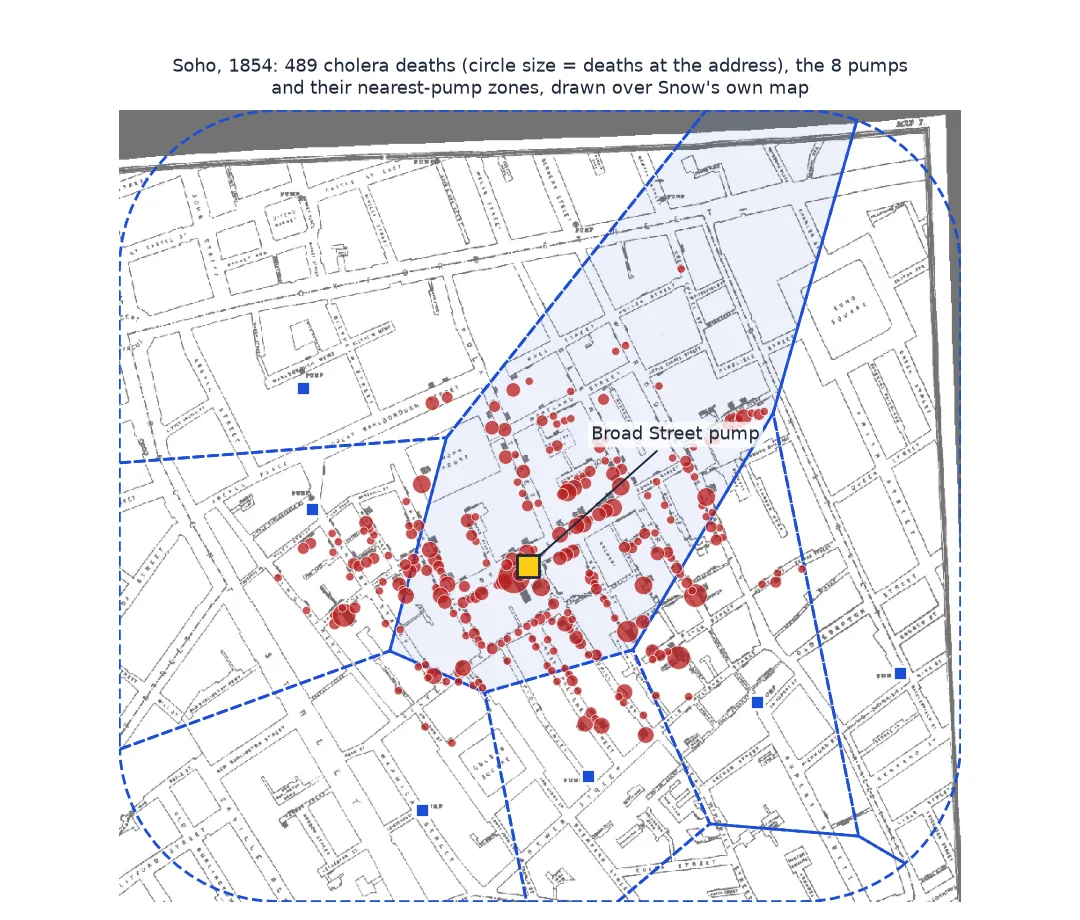
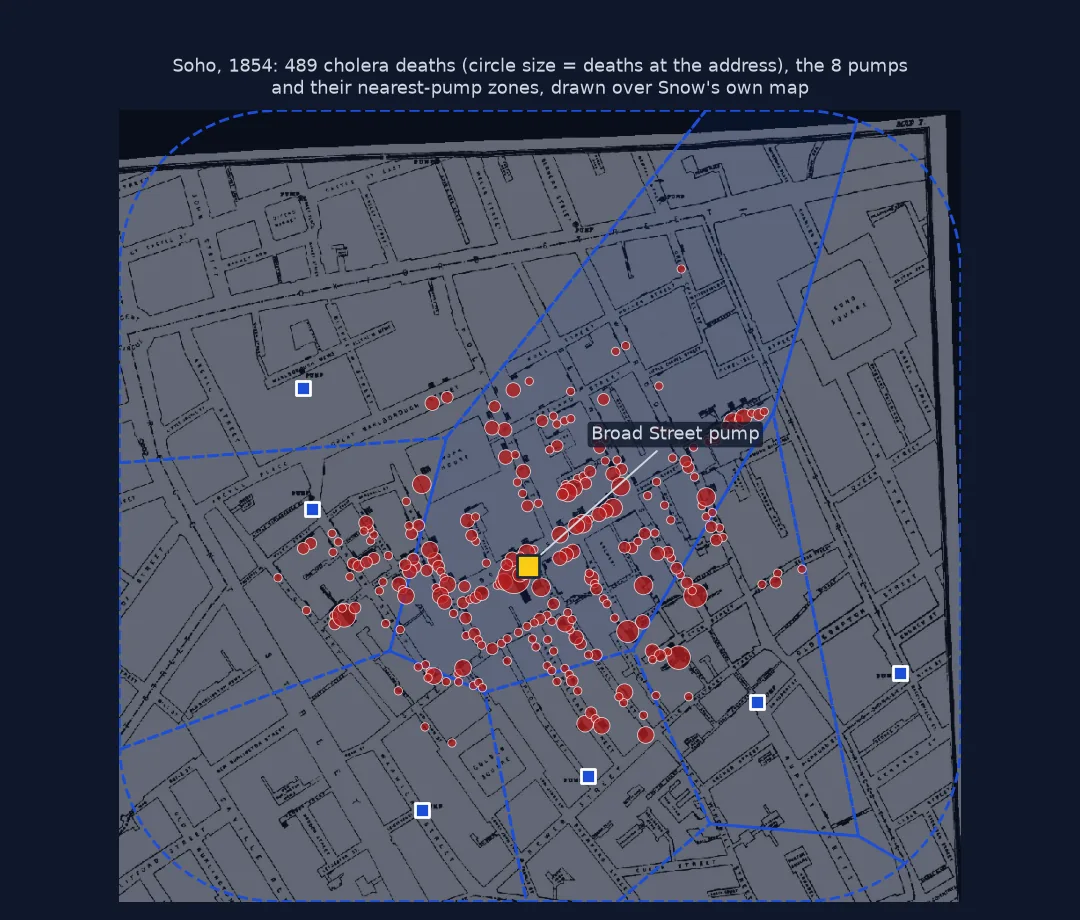 John Snow's cholera map, rebuilt
Soho, 1854: 489 deaths and the pumps nearest to them
John Snow's cholera map, rebuilt
Soho, 1854: 489 deaths and the pumps nearest to them
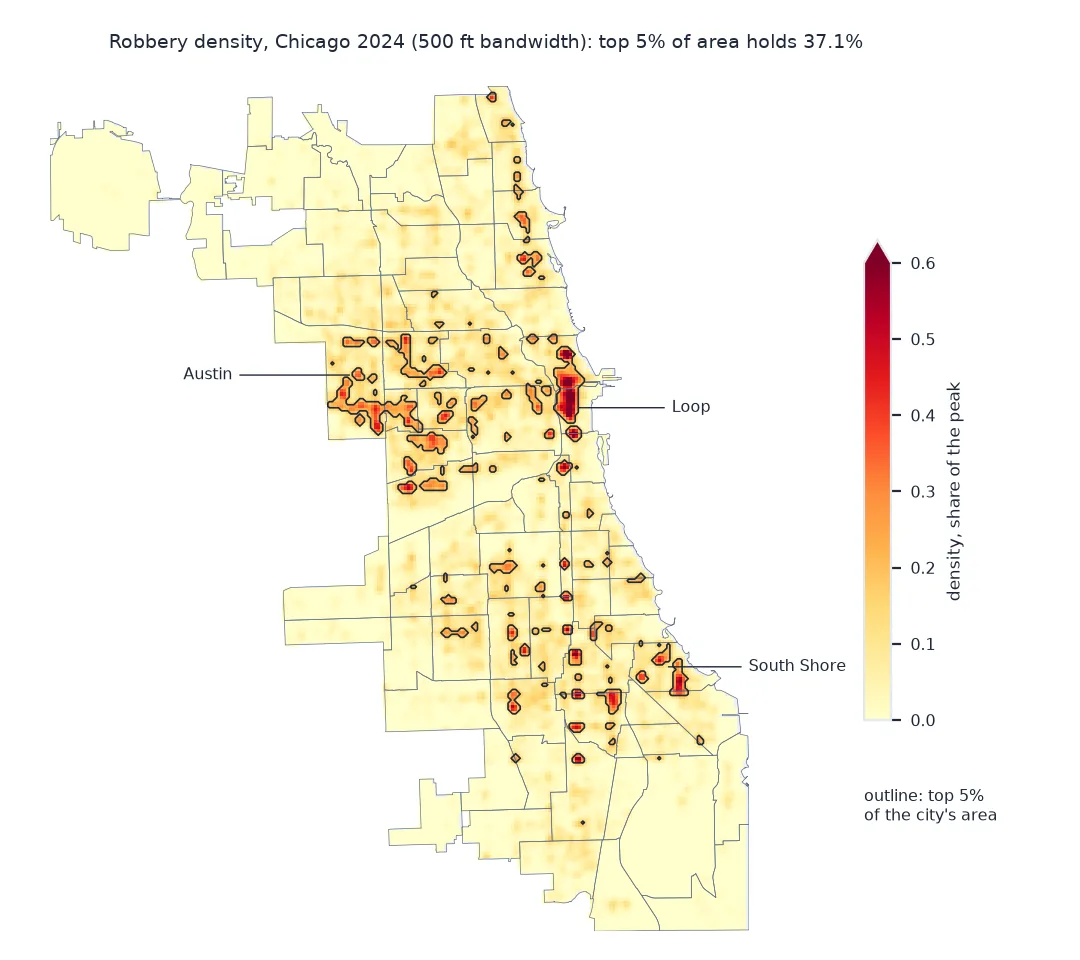
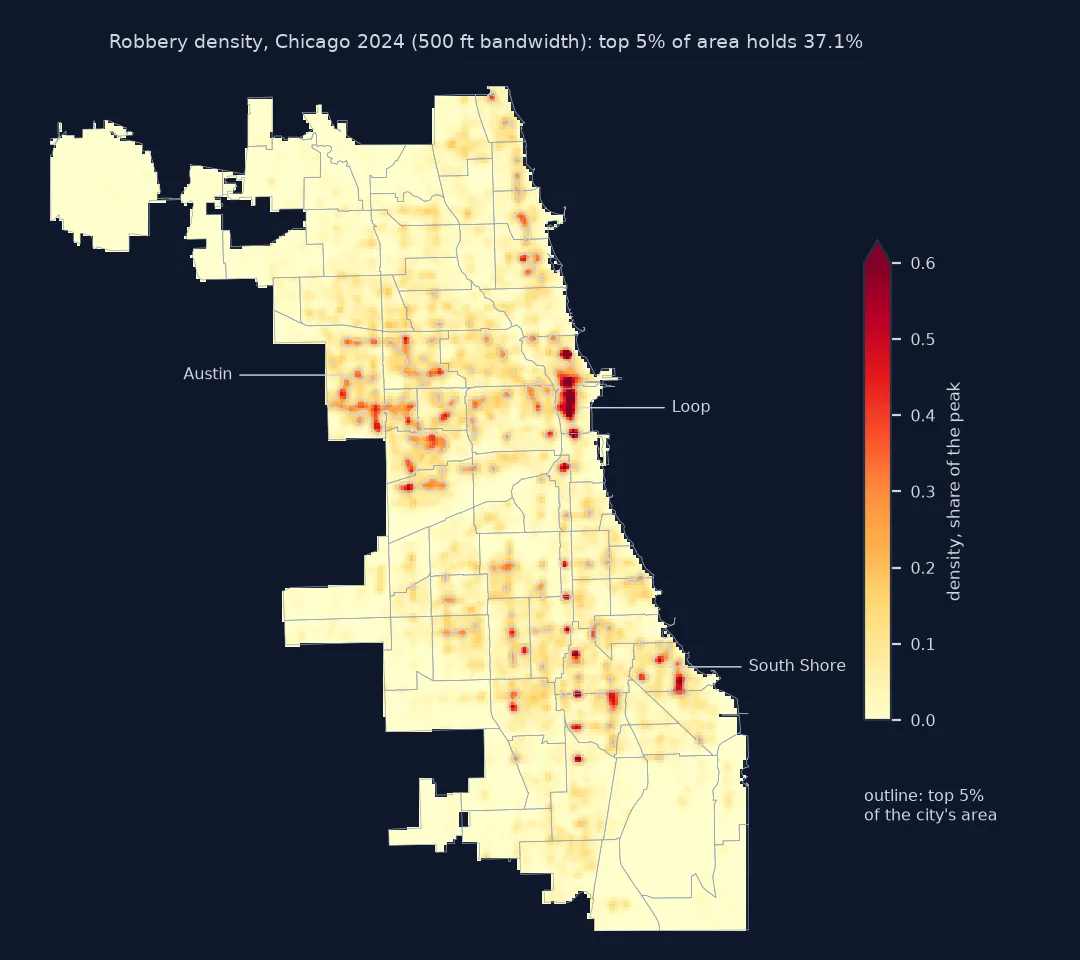 Crime hotspots with kernel density
Chicago robberies, 2024: where the density concentrates
Crime hotspots with kernel density
Chicago robberies, 2024: where the density concentrates
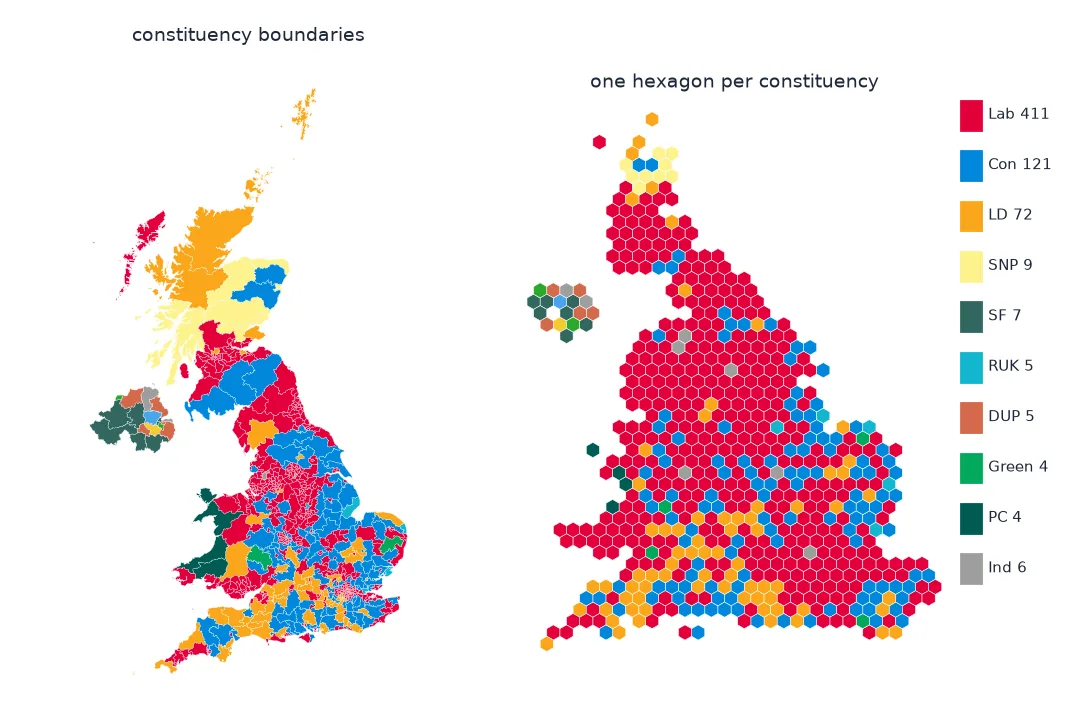
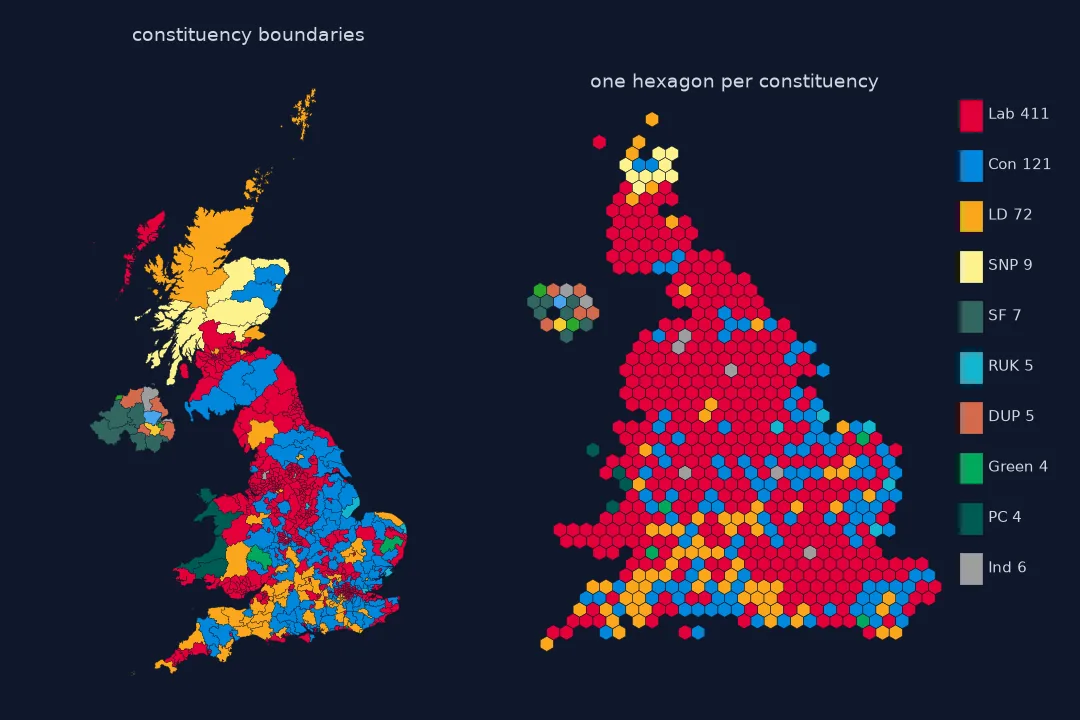 A UK election hex map
One hexagon per constituency, so London is not a dot
A UK election hex map
One hexagon per constituency, so London is not a dot
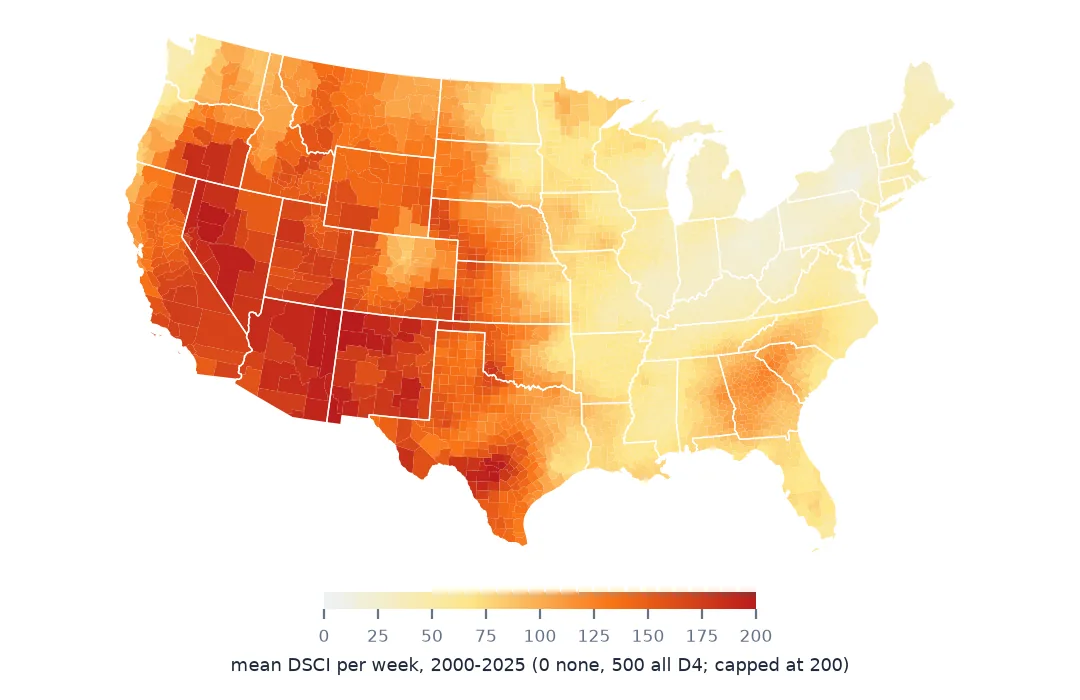
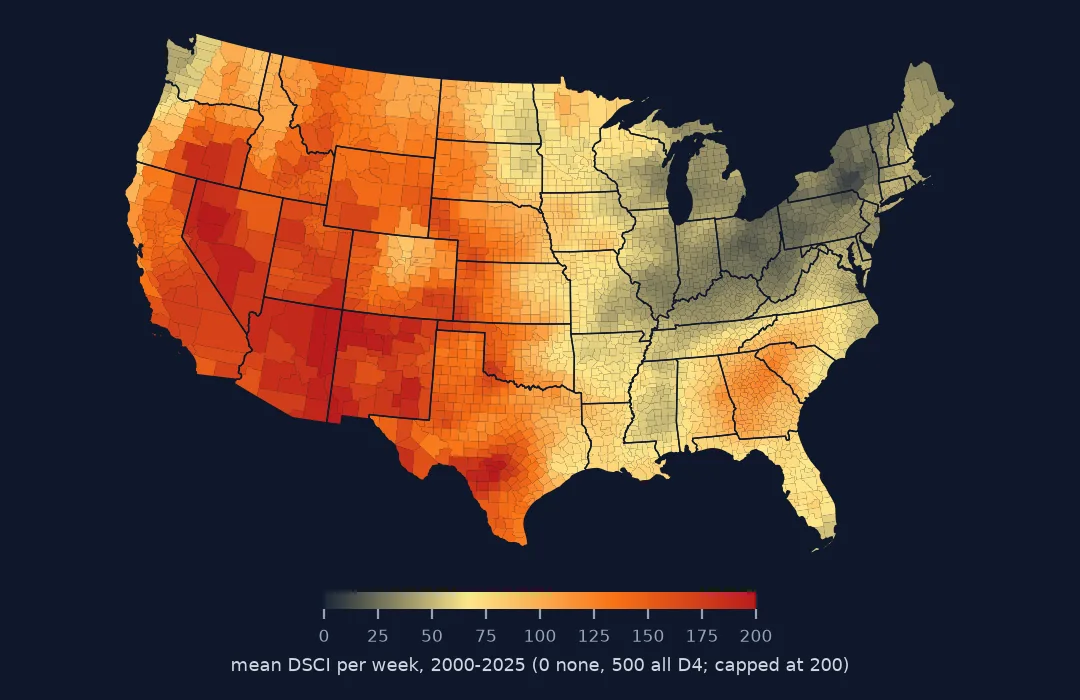 Where drought settles
US Drought Monitor, every county, every week since 2000
Where drought settles
US Drought Monitor, every county, every week since 2000
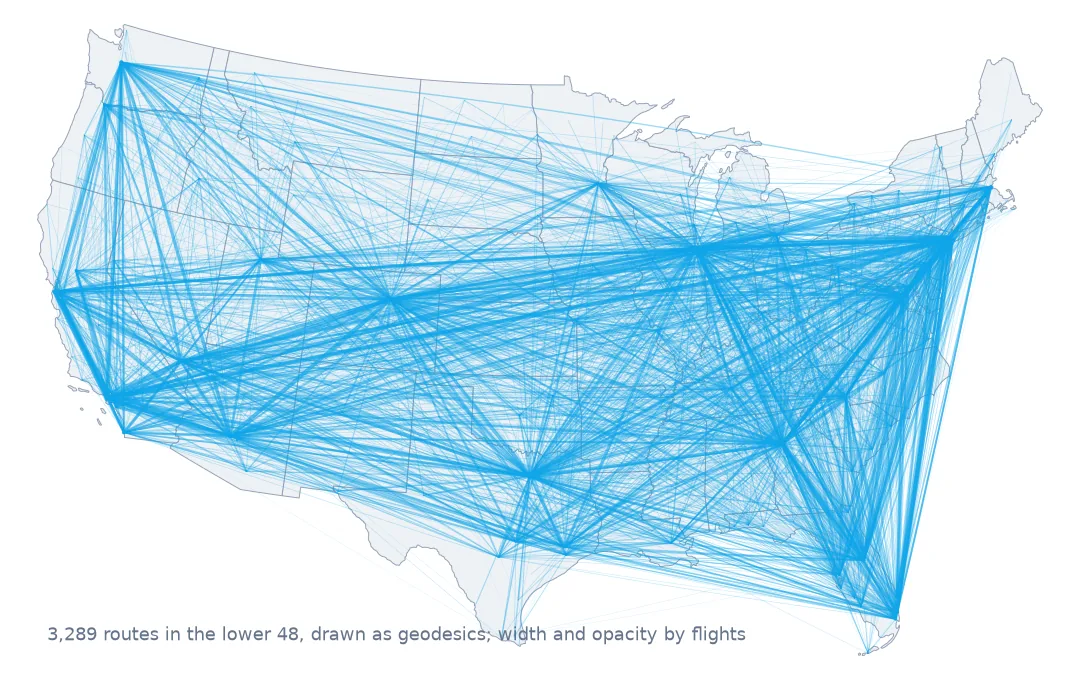
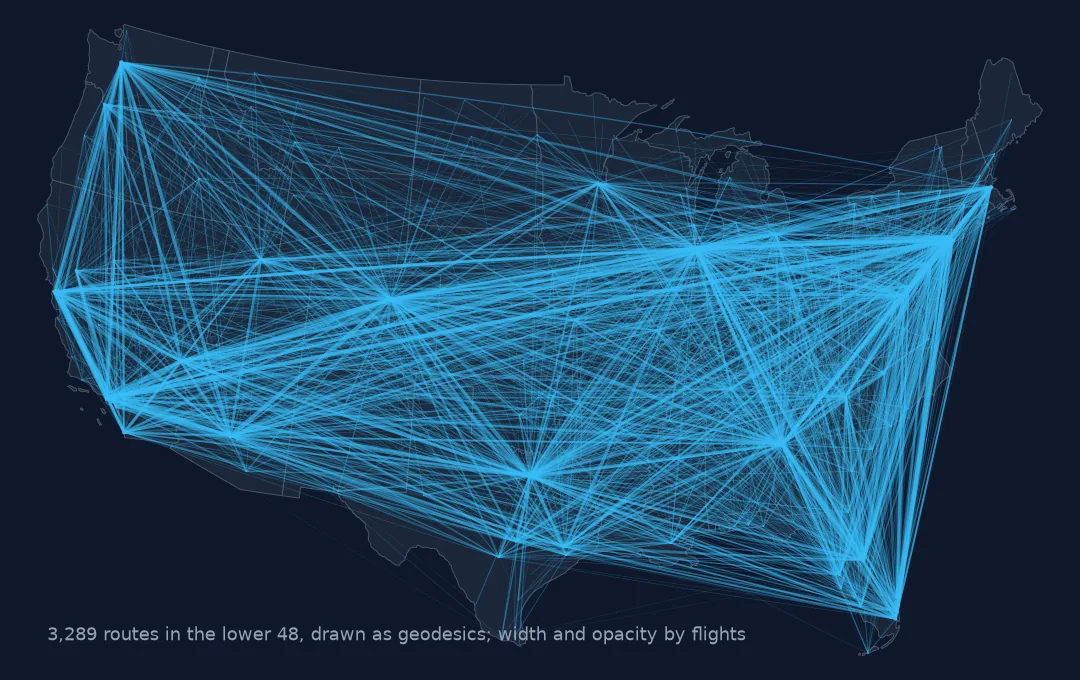 The US flight network
Every 2025 route in the lower 48, drawn as great circles
The US flight network
Every 2025 route in the lower 48, drawn as great circles
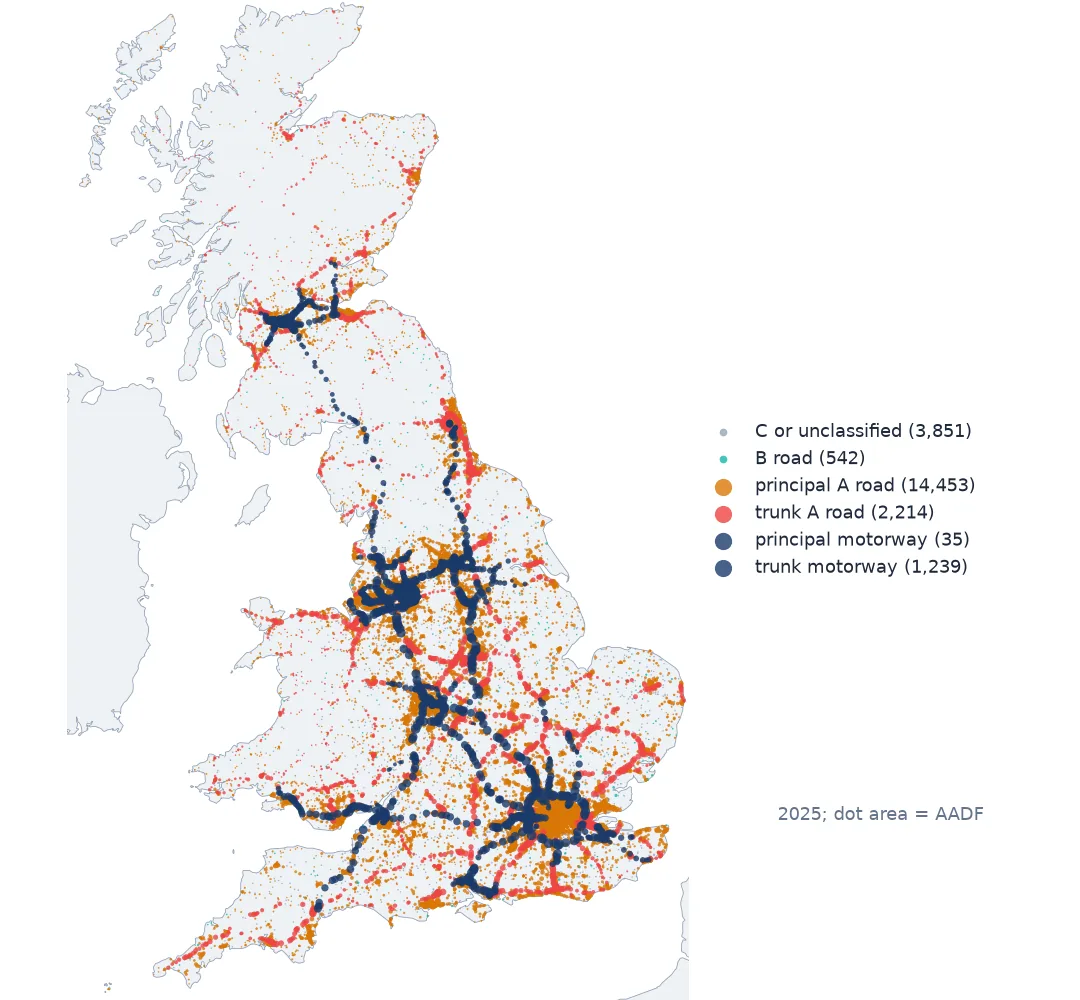
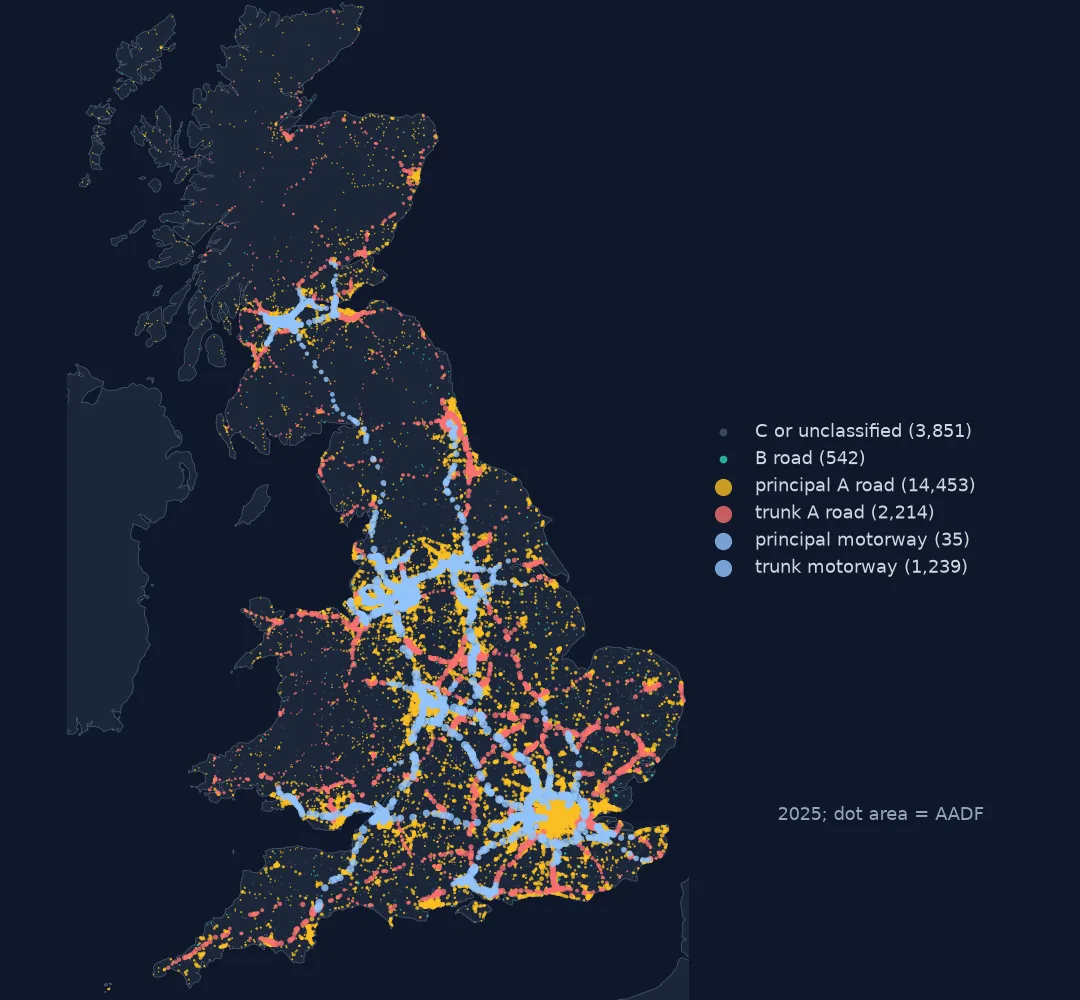 Britain's road traffic counts
Annual average daily flow at every count point
Britain's road traffic counts
Annual average daily flow at every count point
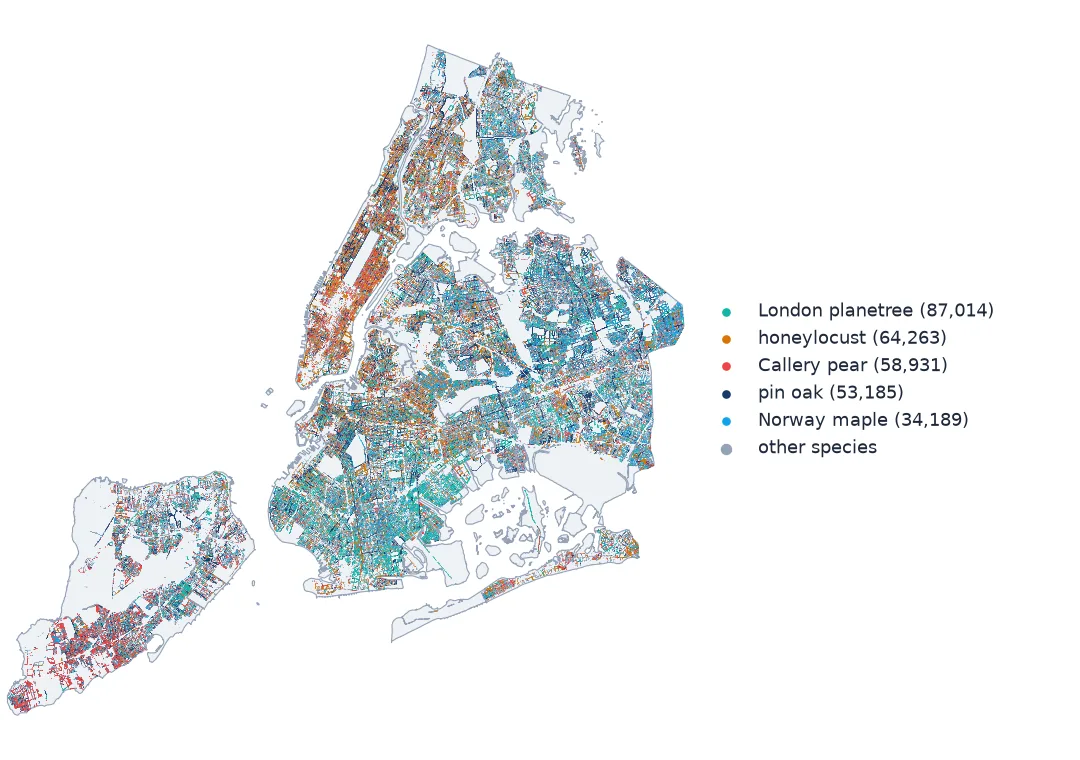
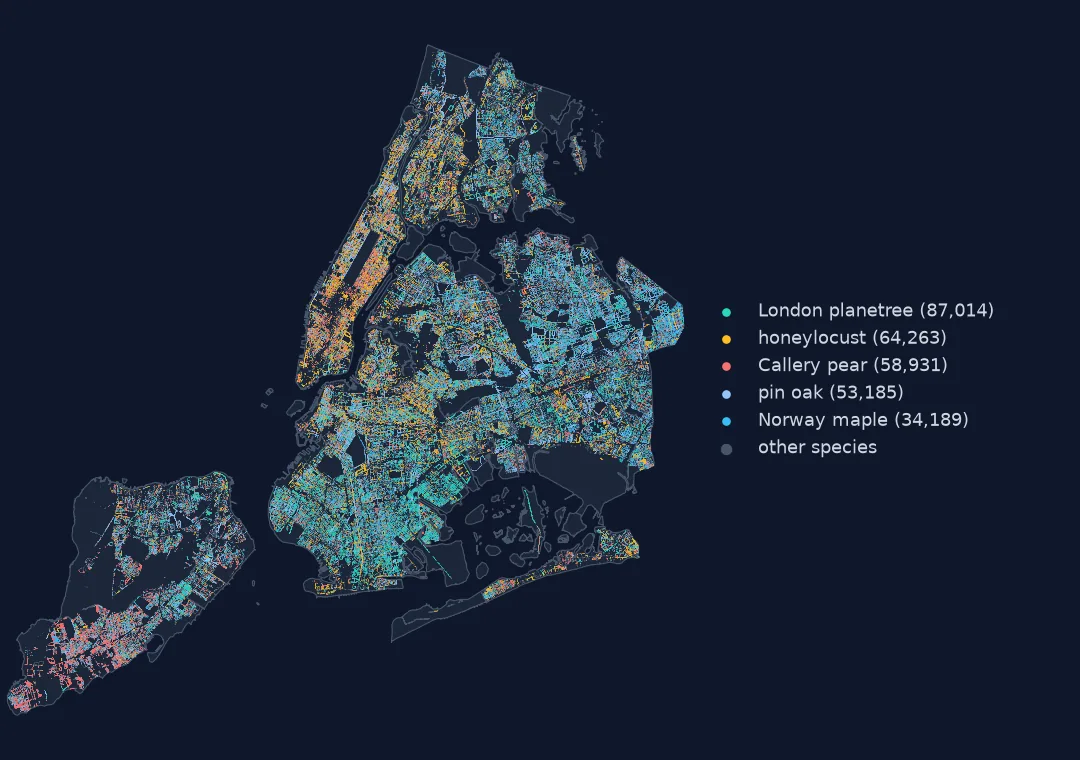 New York's street trees
The 2015 census, coloured by the five commonest species
New York's street trees
The 2015 census, coloured by the five commonest species
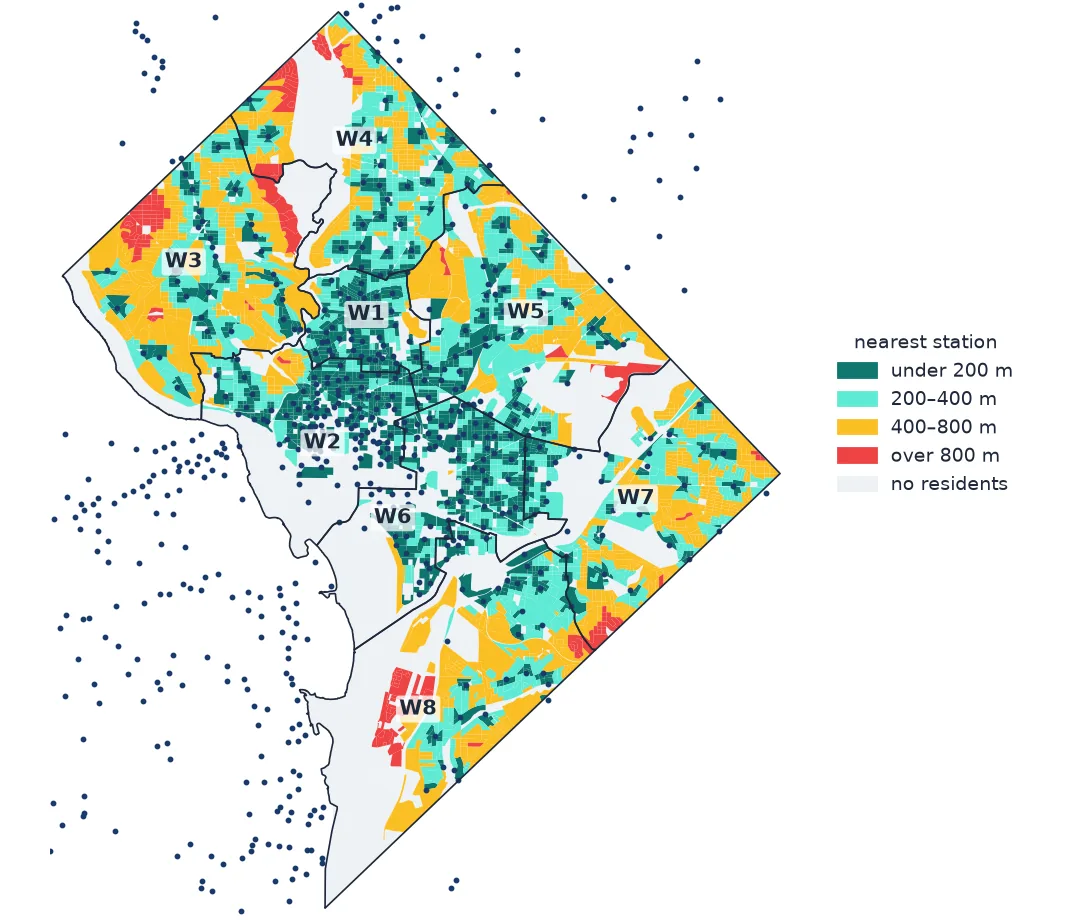
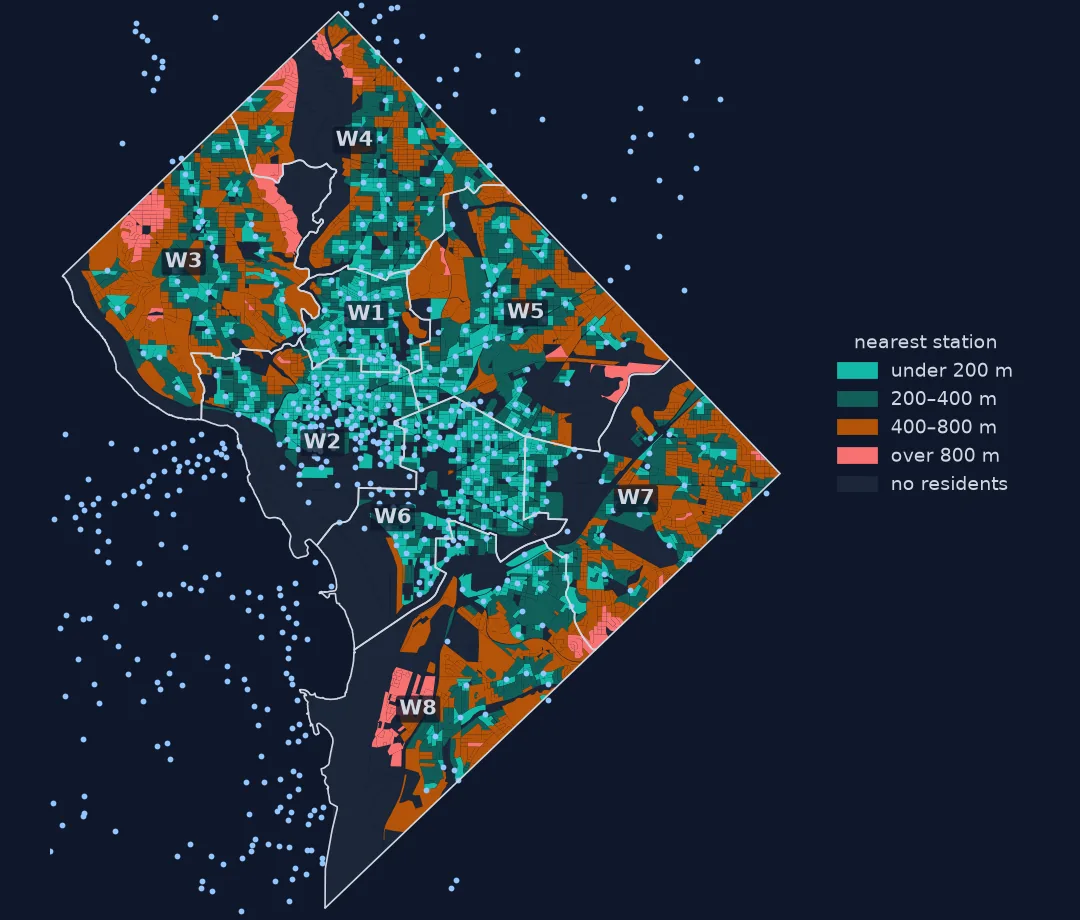 Who lives near a bike-share dock
Washington DC: distance from homes to the nearest station
Who lives near a bike-share dock
Washington DC: distance from homes to the nearest station
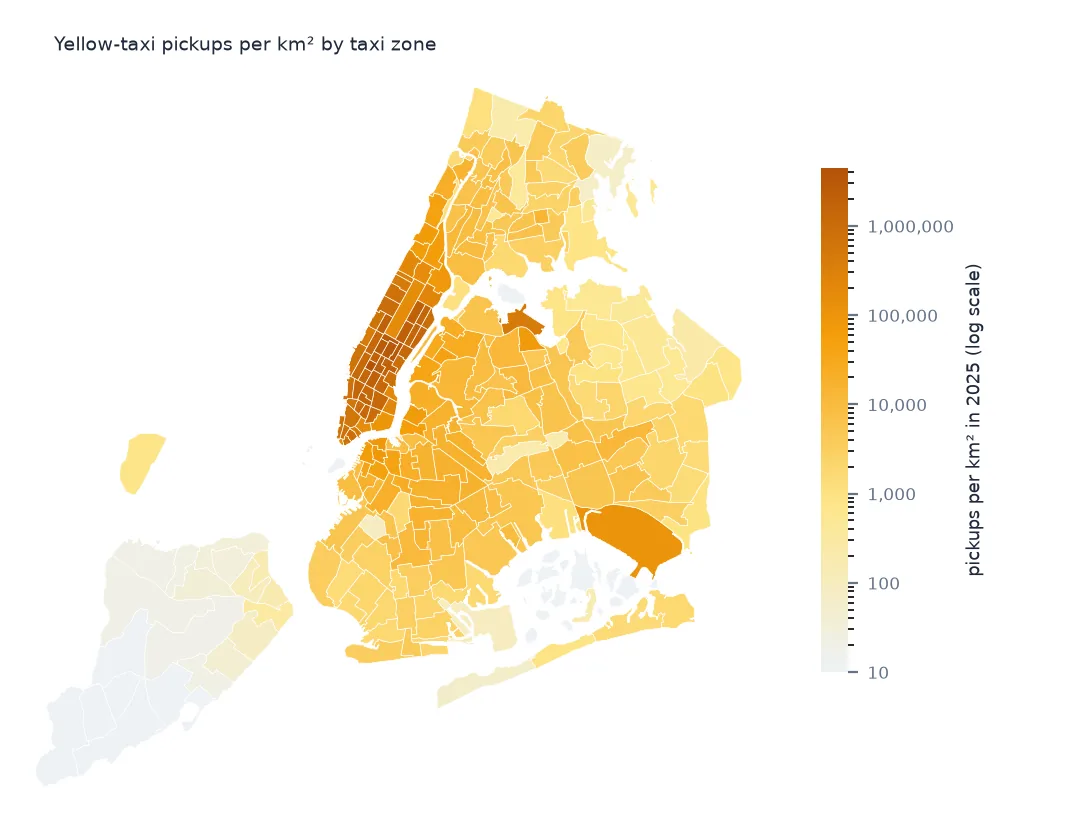
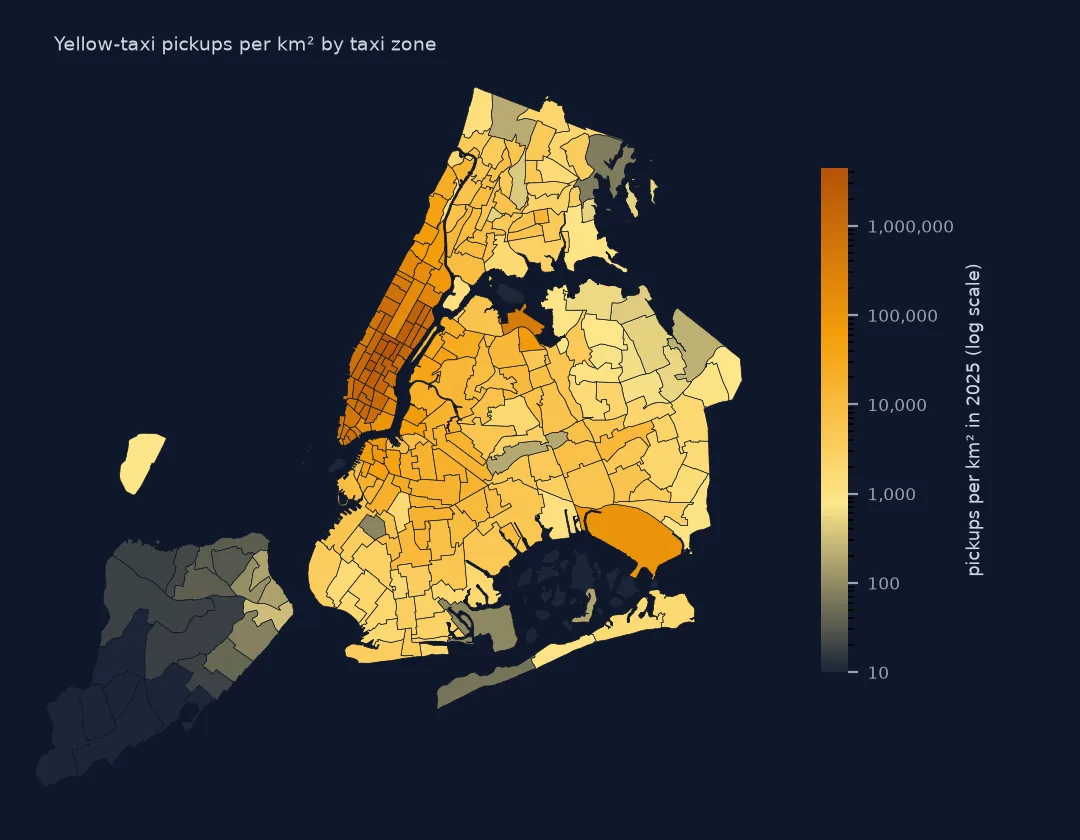 New York's taxi pickups
A year of yellow-cab trips, per square kilometre of each zone
New York's taxi pickups
A year of yellow-cab trips, per square kilometre of each zone
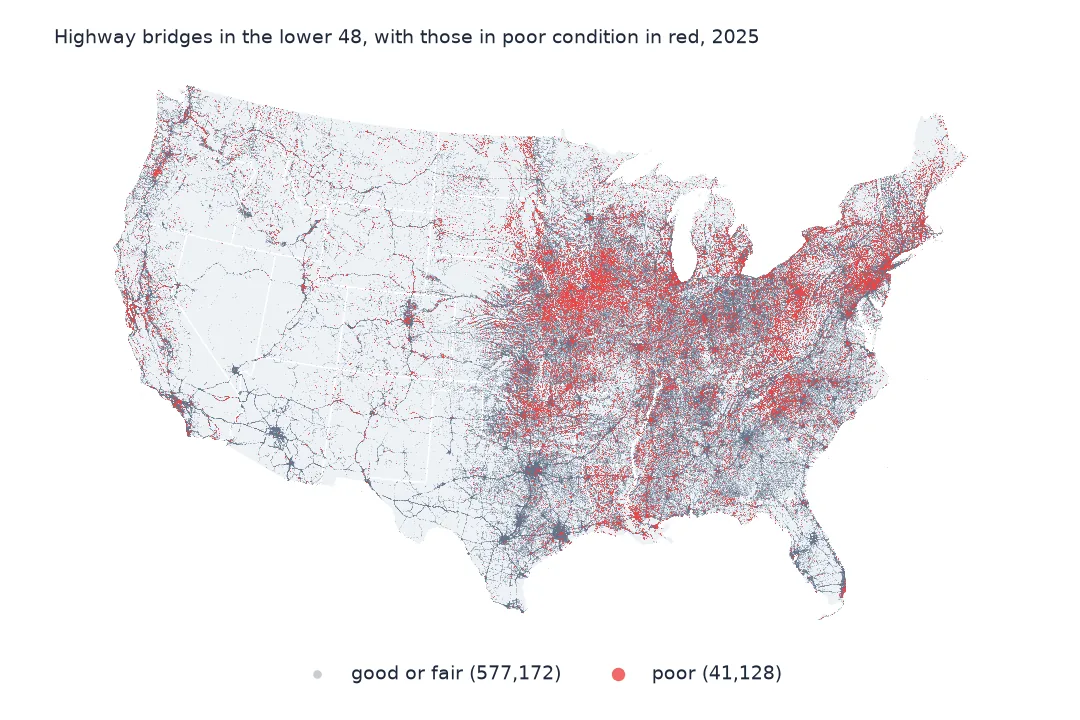
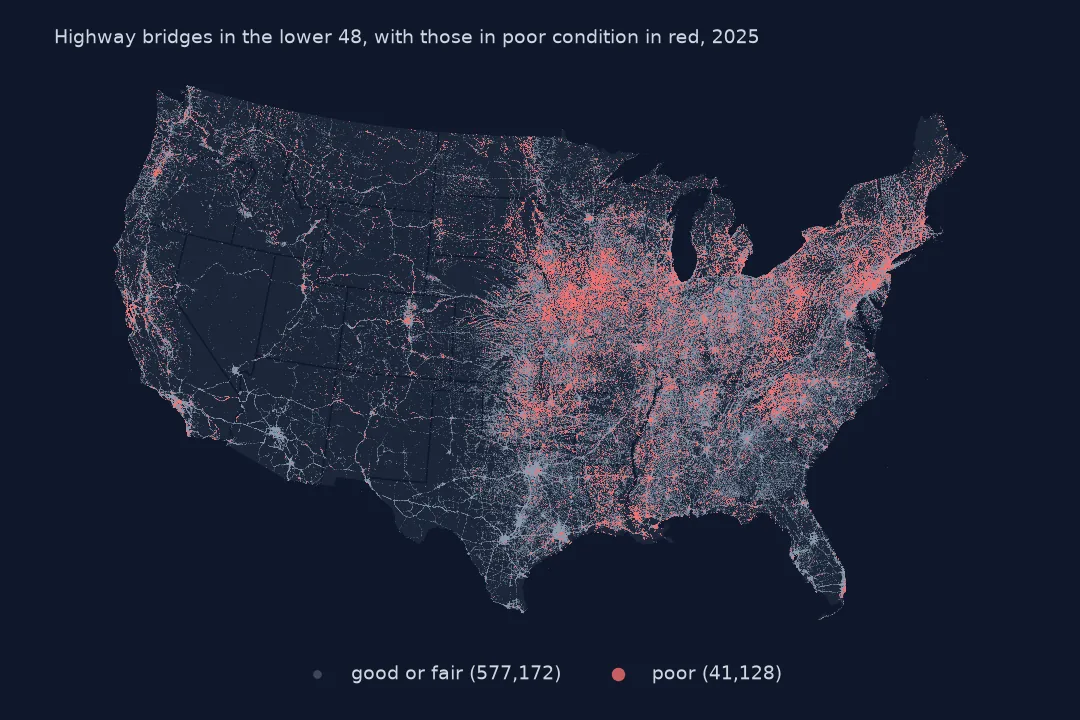 America's bridges in poor condition
Every highway bridge, with the poor ones picked out in red
America's bridges in poor condition
Every highway bridge, with the poor ones picked out in red
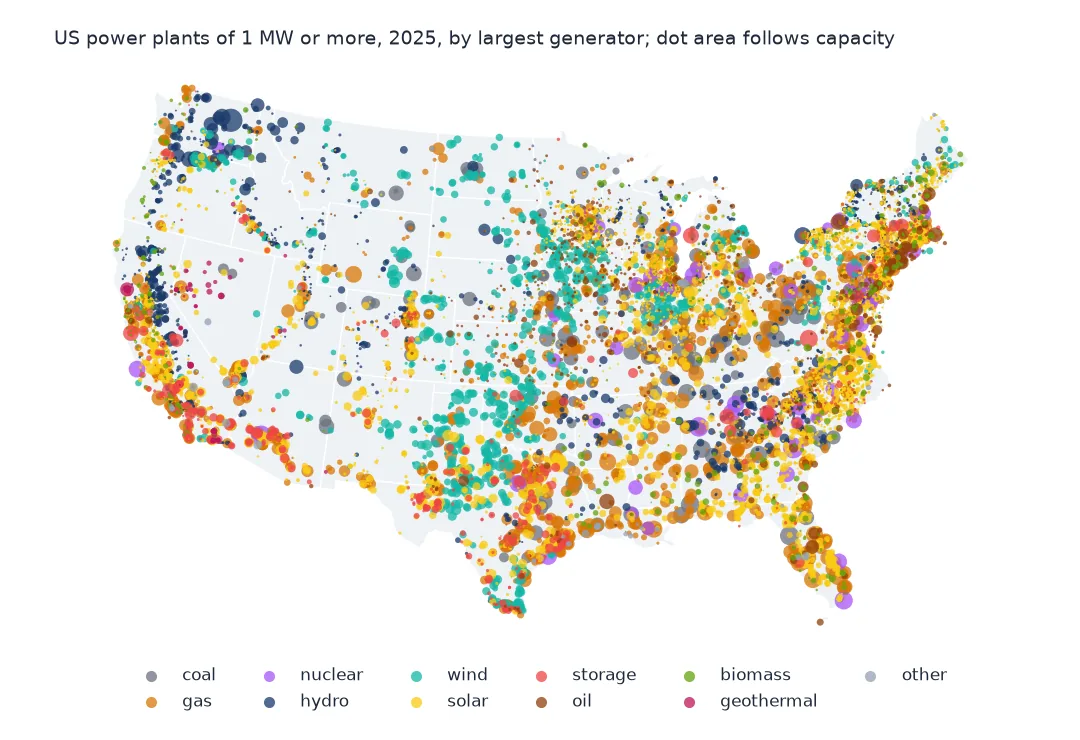
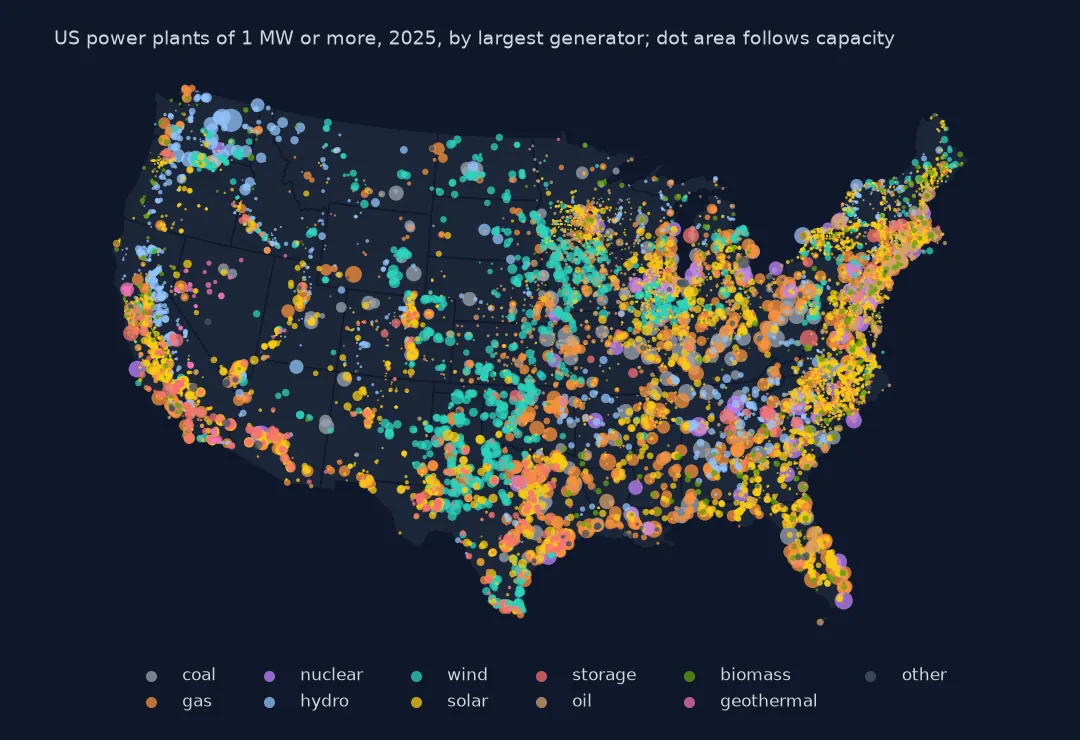 Every US power plant
Plants of 1 MW or more, coloured by technology, sized by capacity
Every US power plant
Plants of 1 MW or more, coloured by technology, sized by capacity
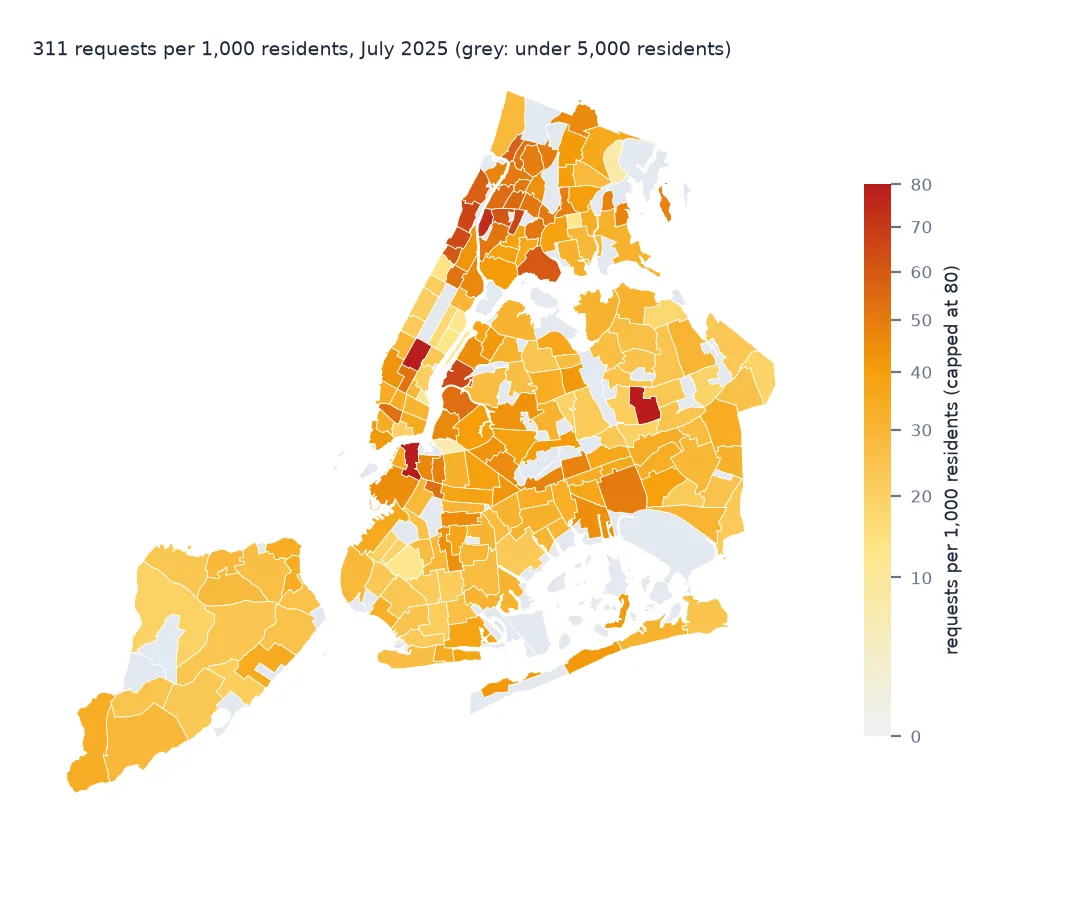
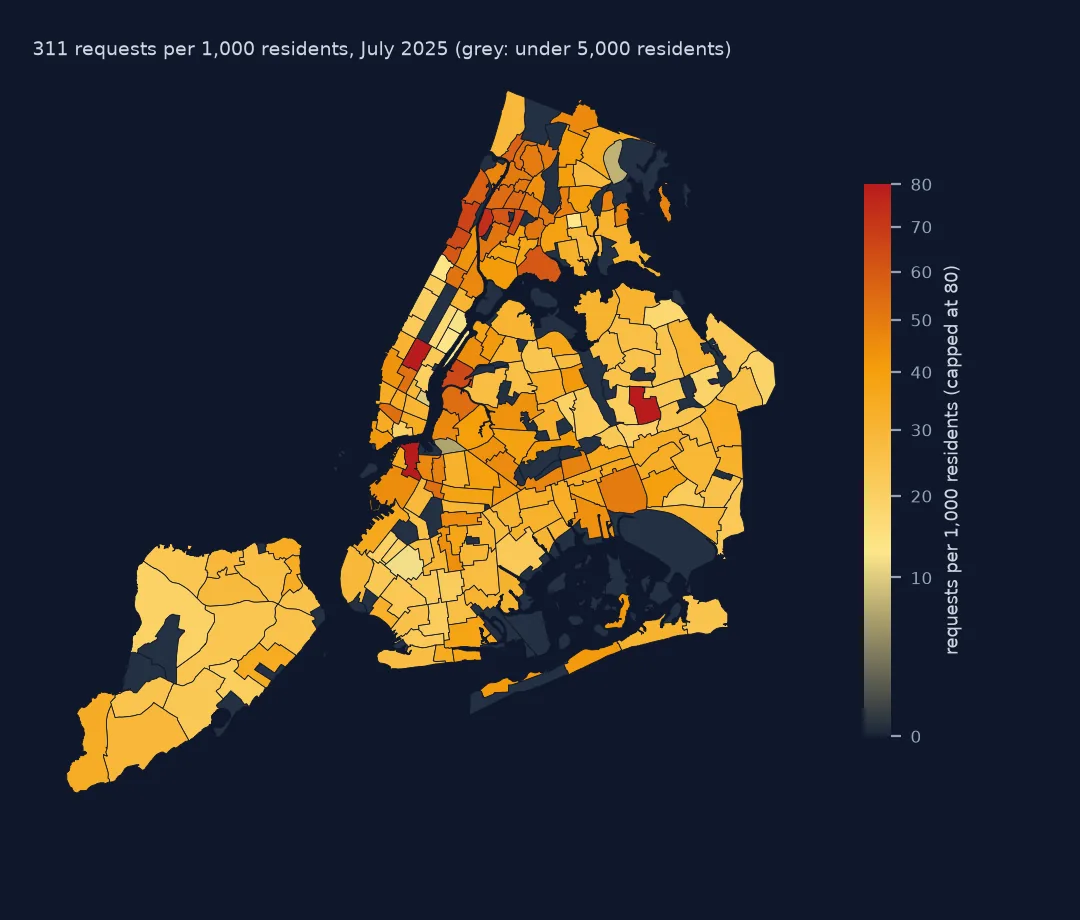 What New Yorkers report to 311
Requests per resident in each neighbourhood, July 2025
What New Yorkers report to 311
Requests per resident in each neighbourhood, July 2025
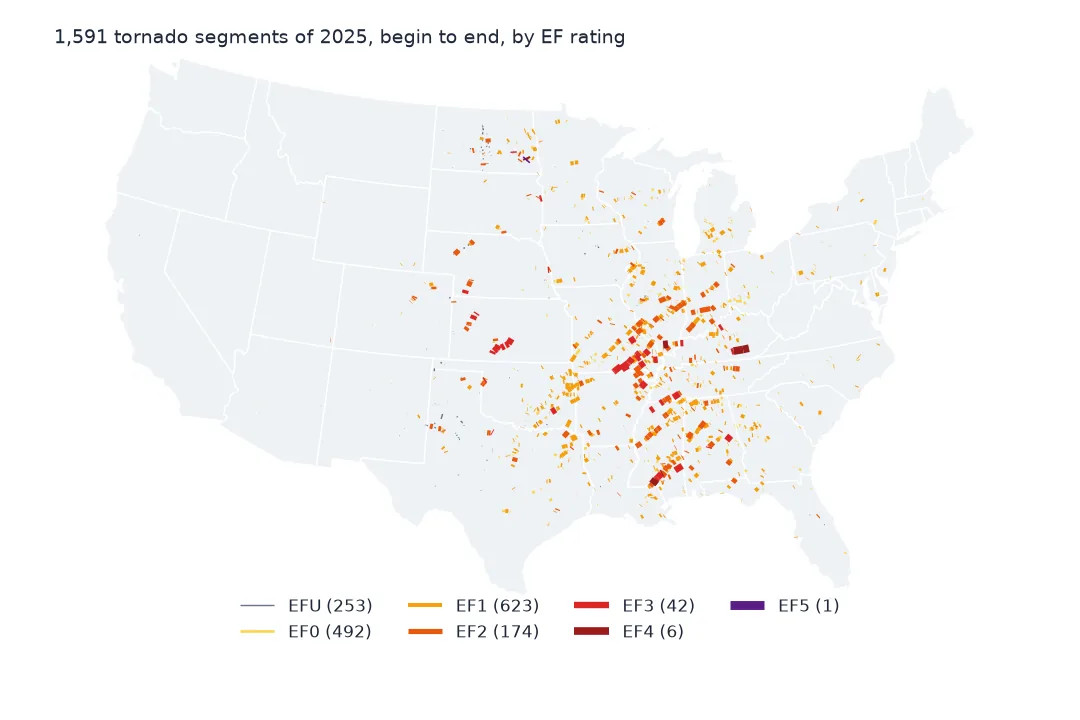
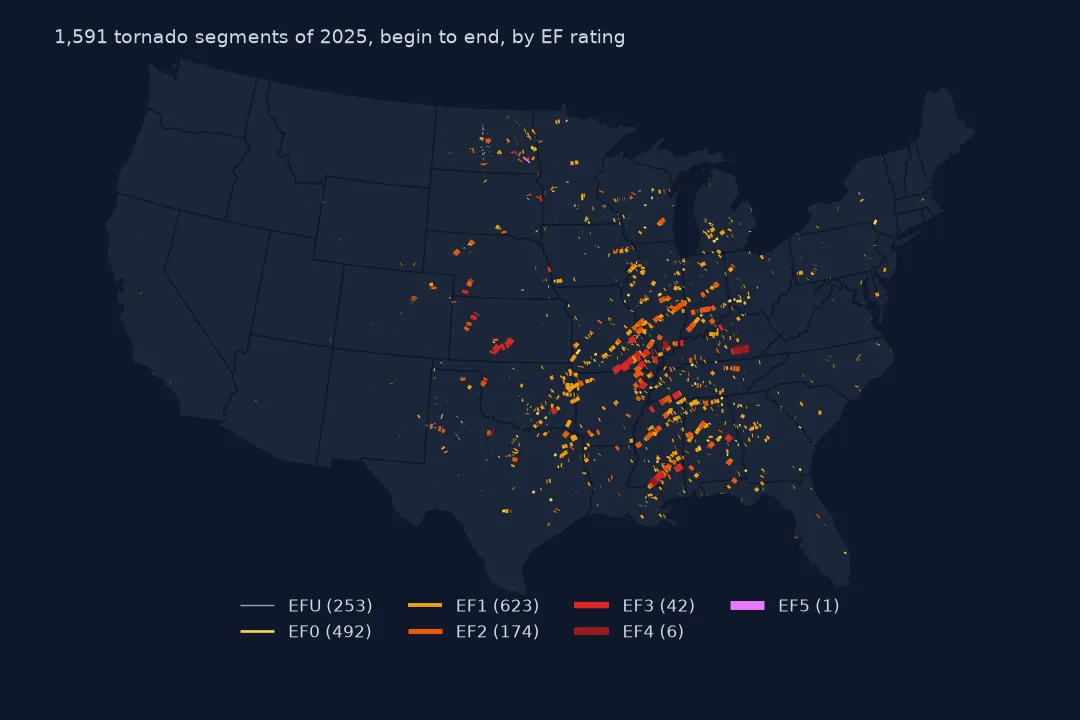 A year of America's tornadoes
Every 2025 tornado segment, begin to end, by EF rating
A year of America's tornadoes
Every 2025 tornado segment, begin to end, by EF rating
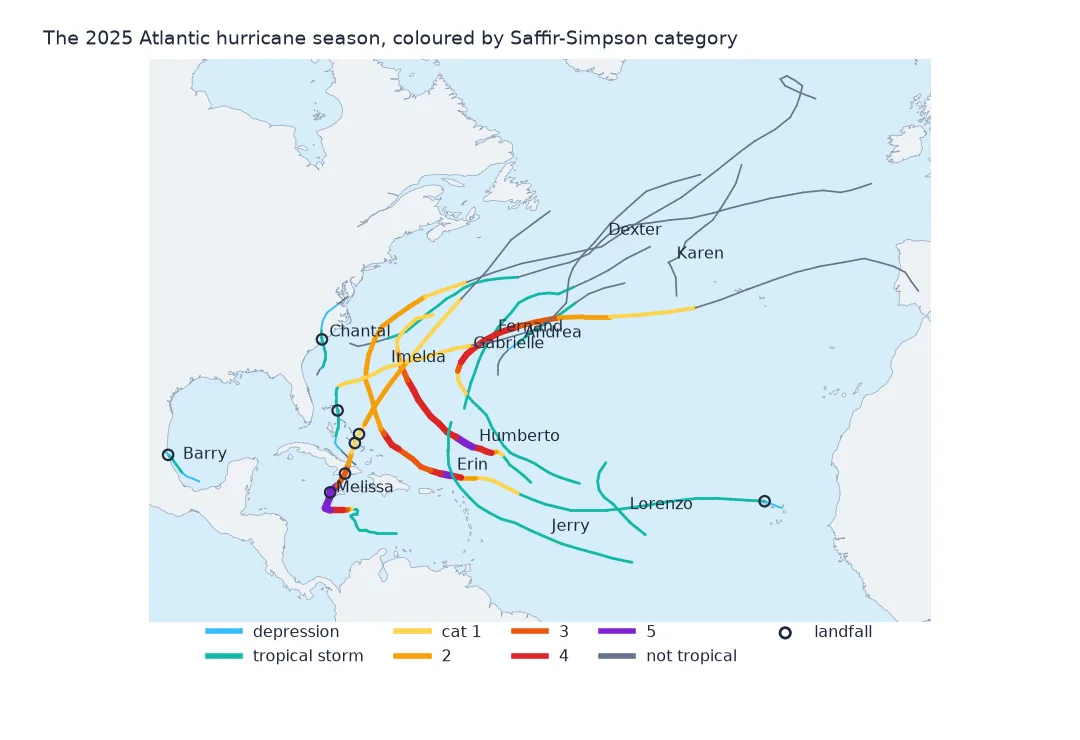
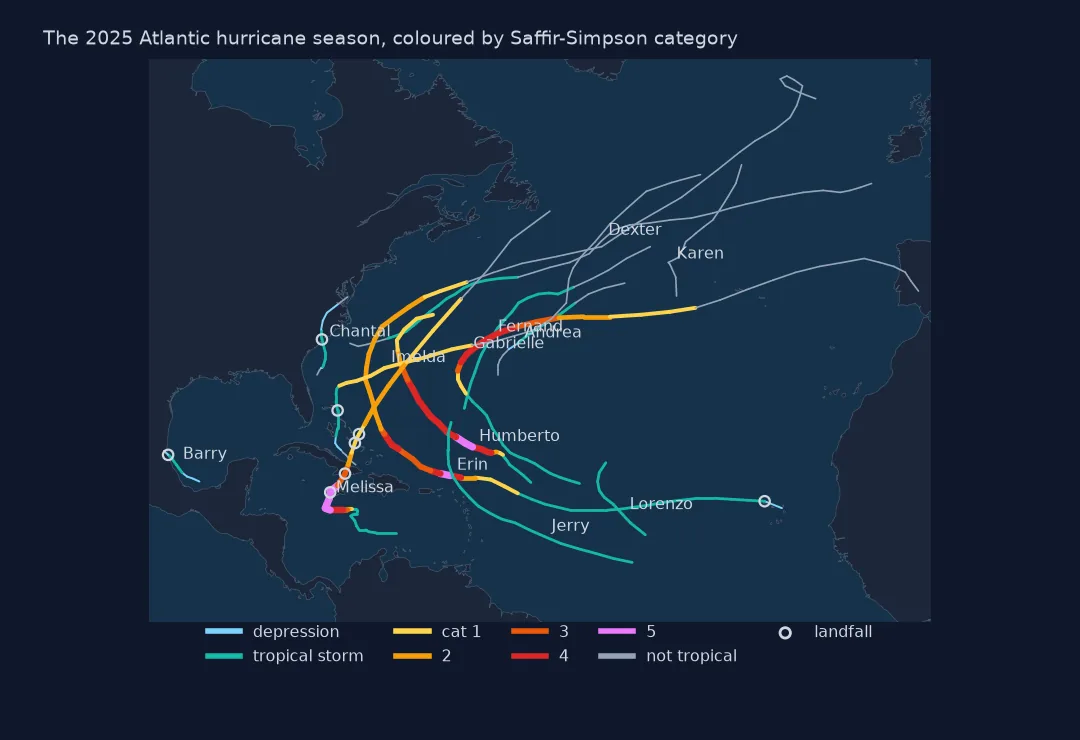 The 2025 hurricane season
Thirteen Atlantic storms, coloured by Saffir-Simpson category
The 2025 hurricane season
Thirteen Atlantic storms, coloured by Saffir-Simpson category
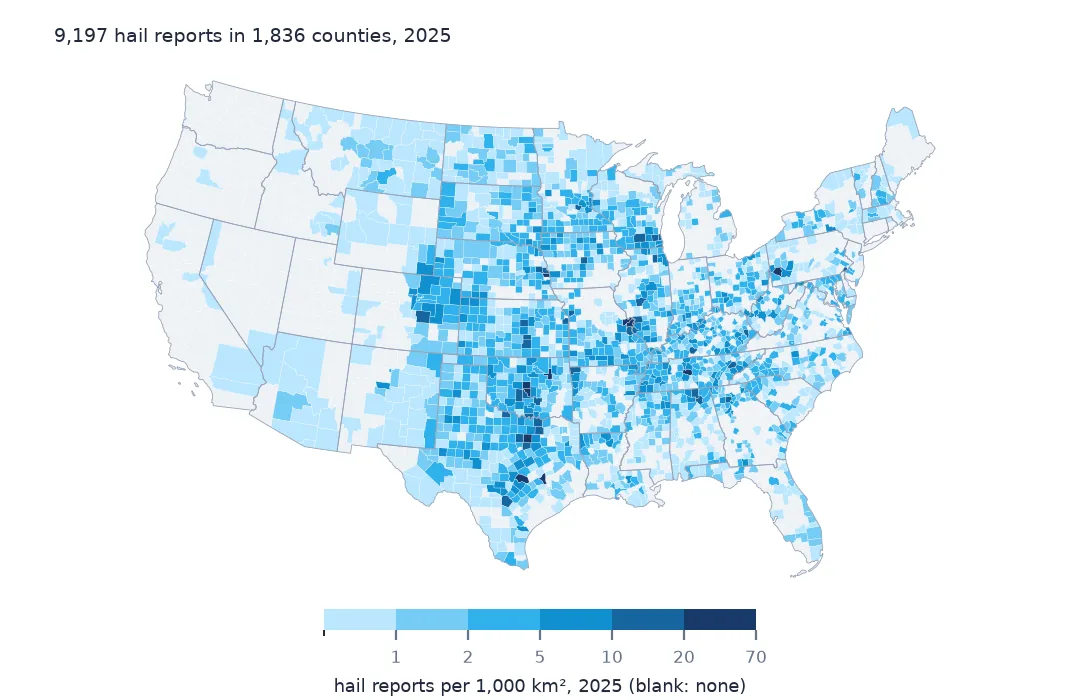
 Where hail is reported
Hail reports per 1,000 km² of every US county, 2025
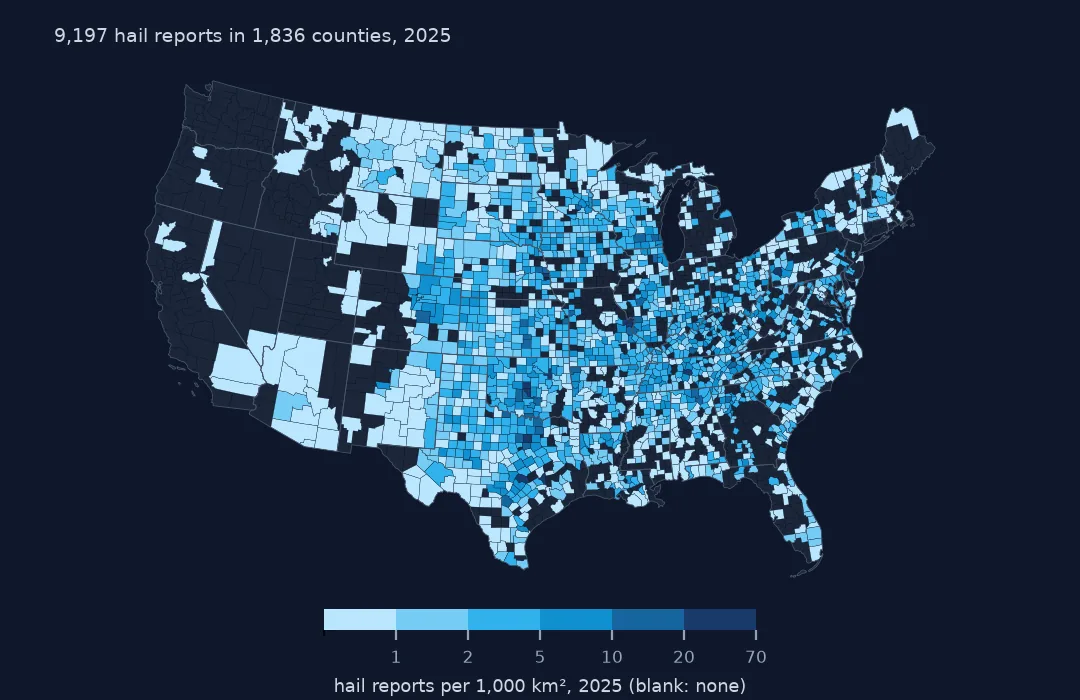
Where hail is reported
Hail reports per 1,000 km² of every US county, 2025
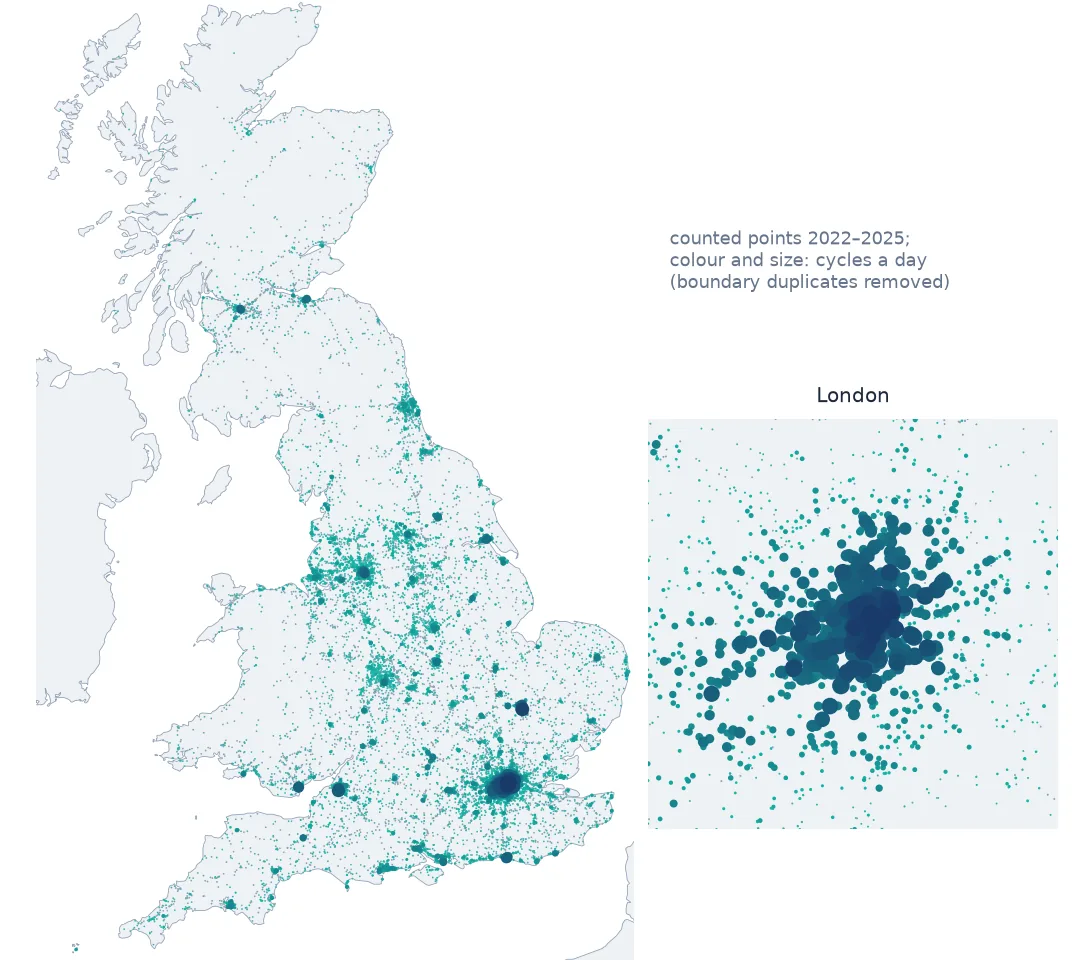
 Where Britain cycles
Cycles a day at each counted point, with London enlarged
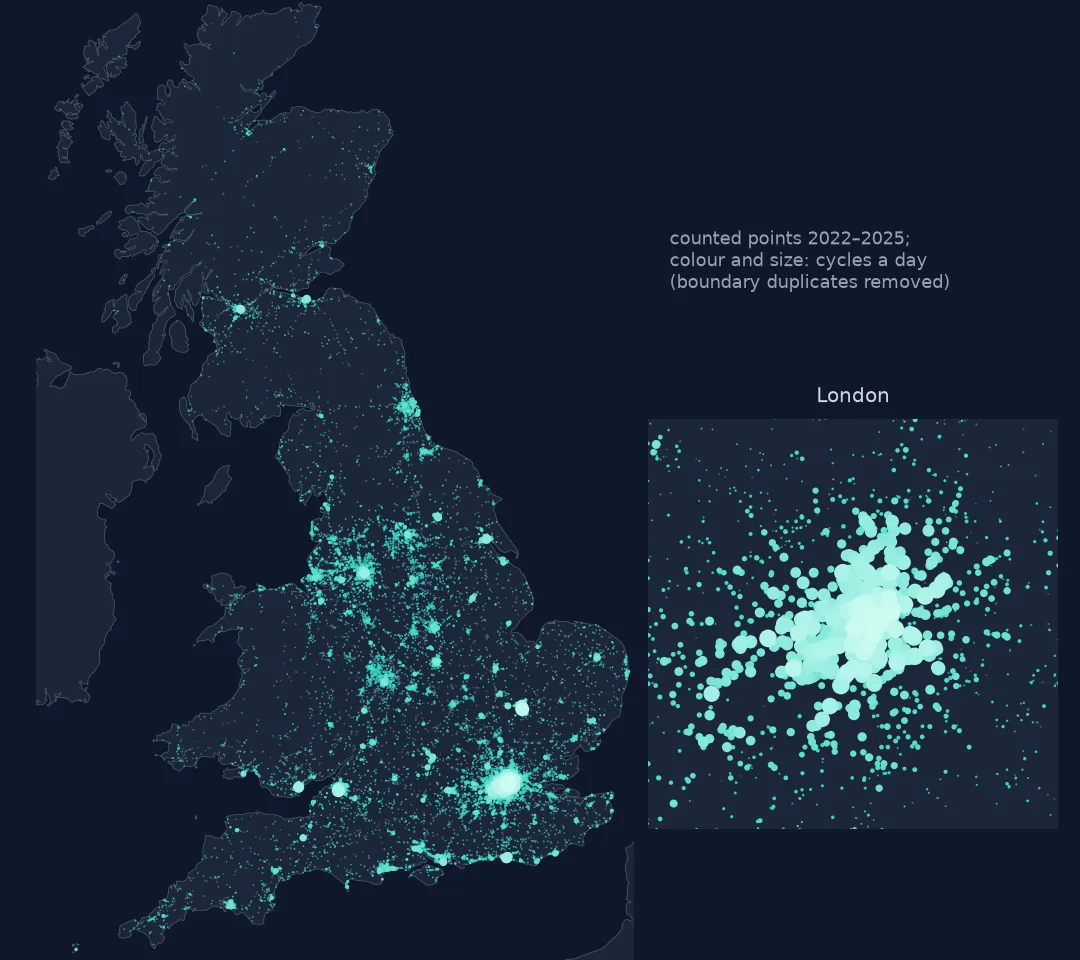
Where Britain cycles
Cycles a day at each counted point, with London enlarged
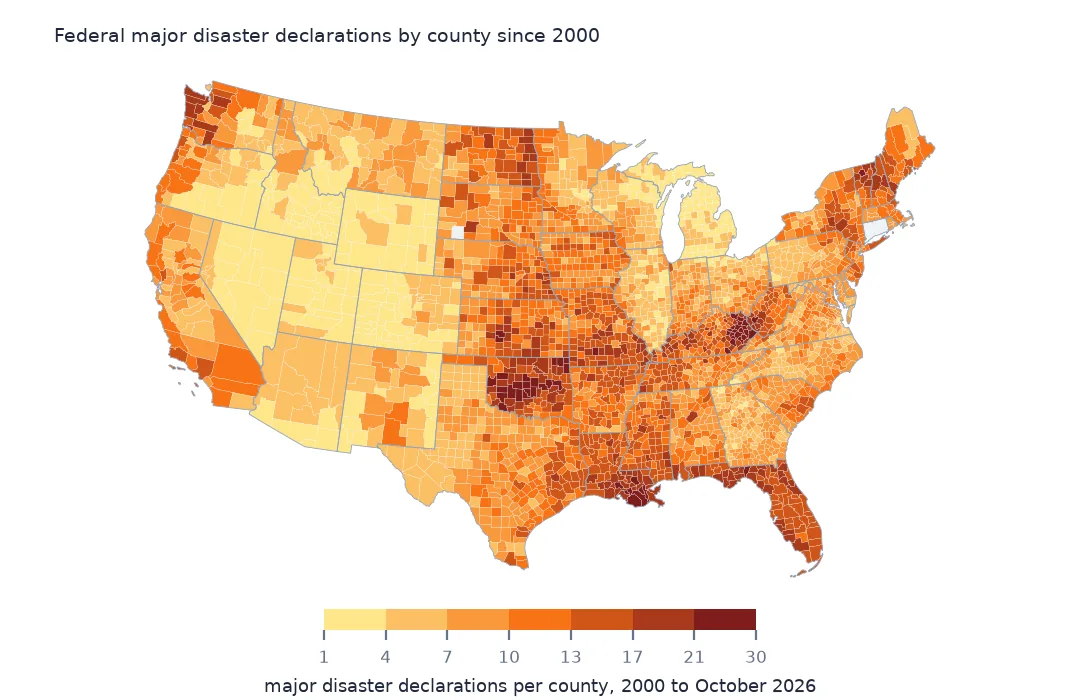
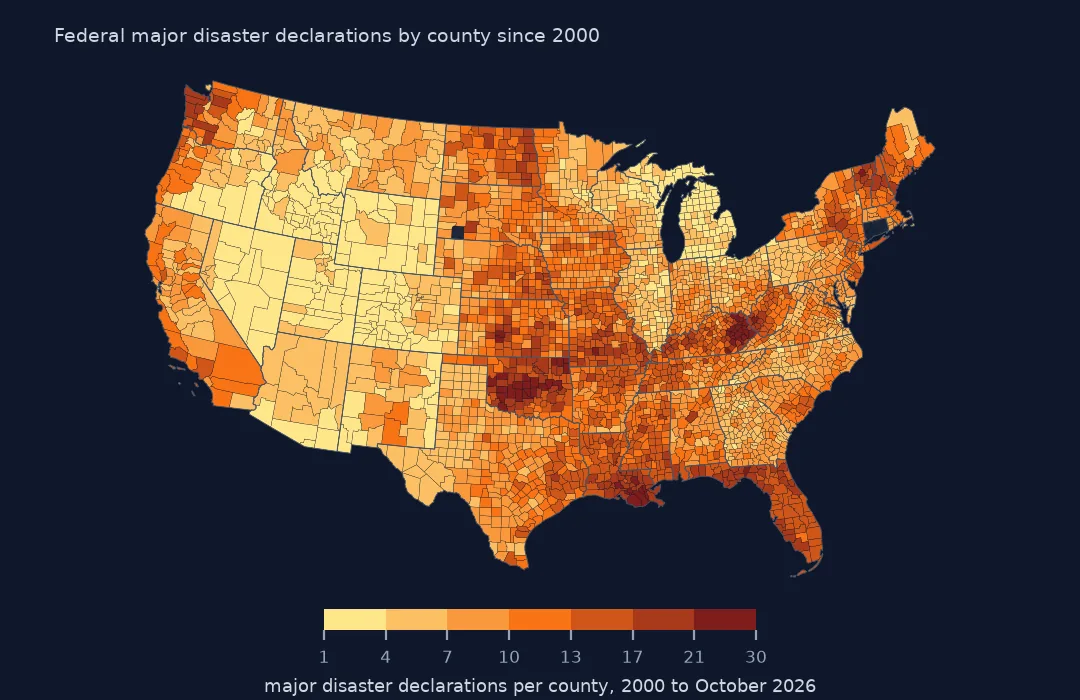 Federal disasters by county
Major disaster declarations in every county since 2000
Federal disasters by county
Major disaster declarations in every county since 2000
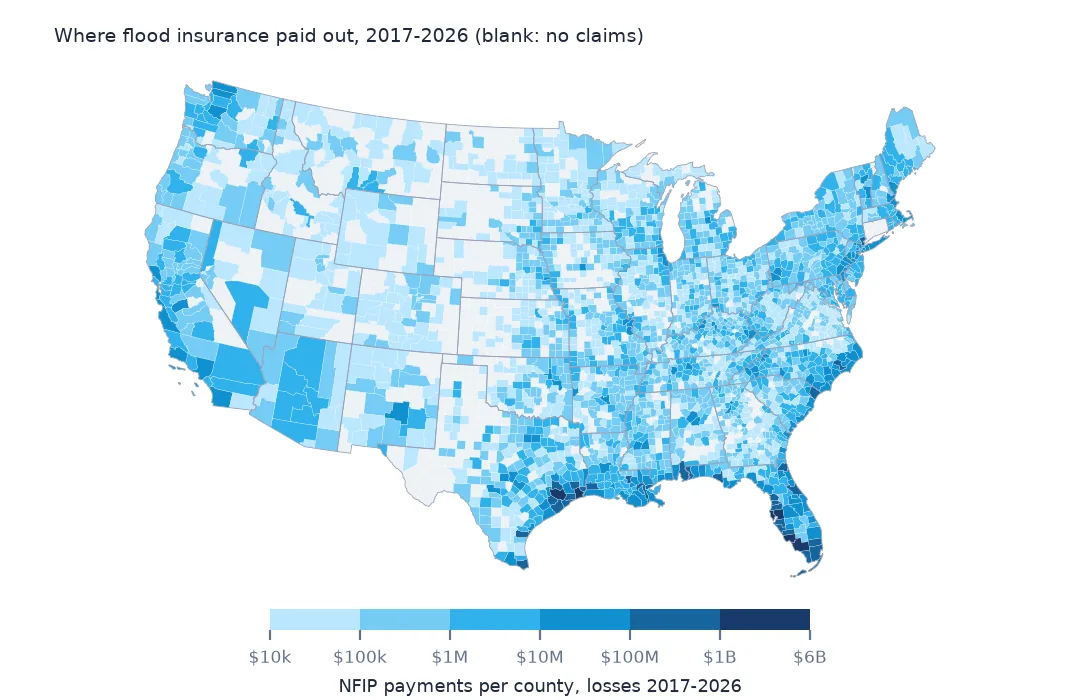
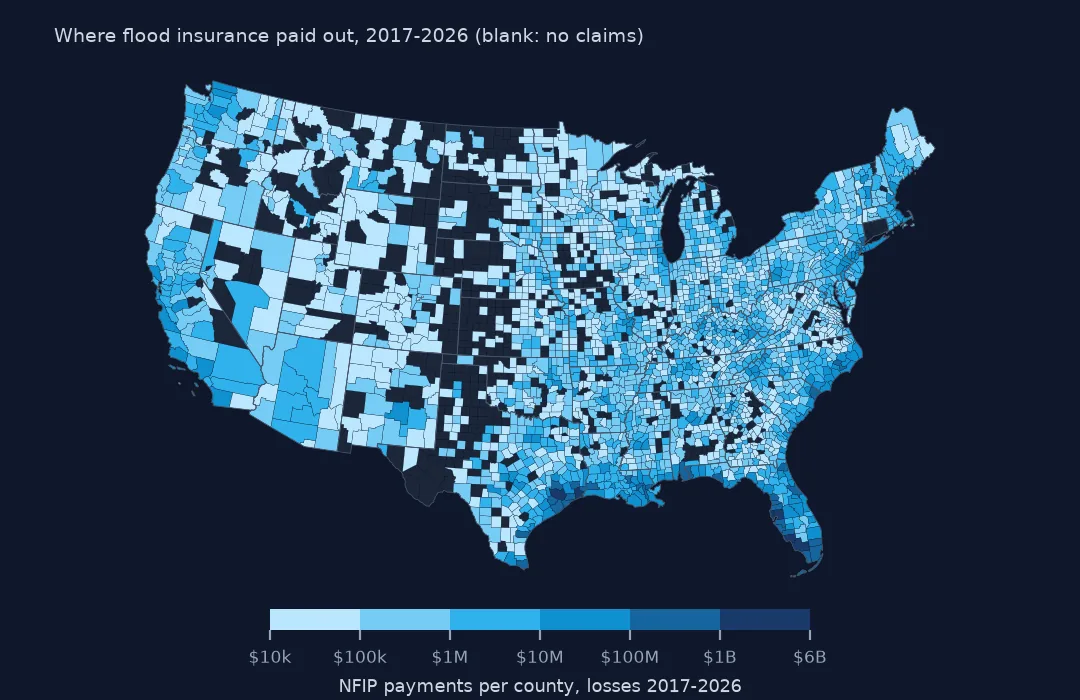 Where flood insurance paid out
NFIP claim payments per county, losses 2017 to 2026
Where flood insurance paid out
NFIP claim payments per county, losses 2017 to 2026
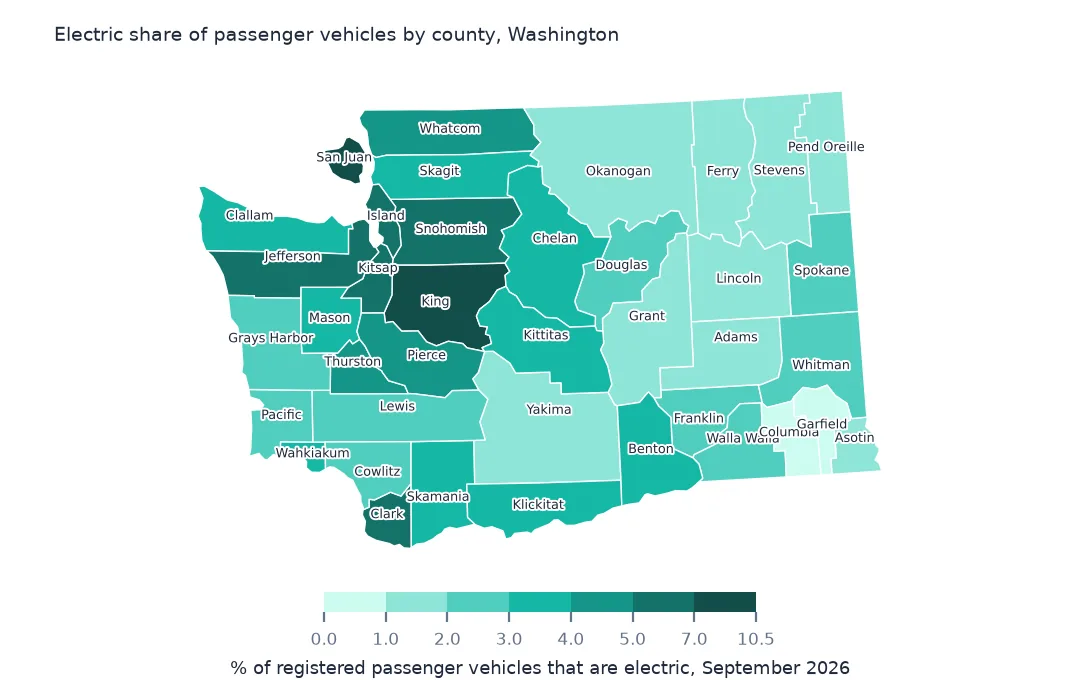
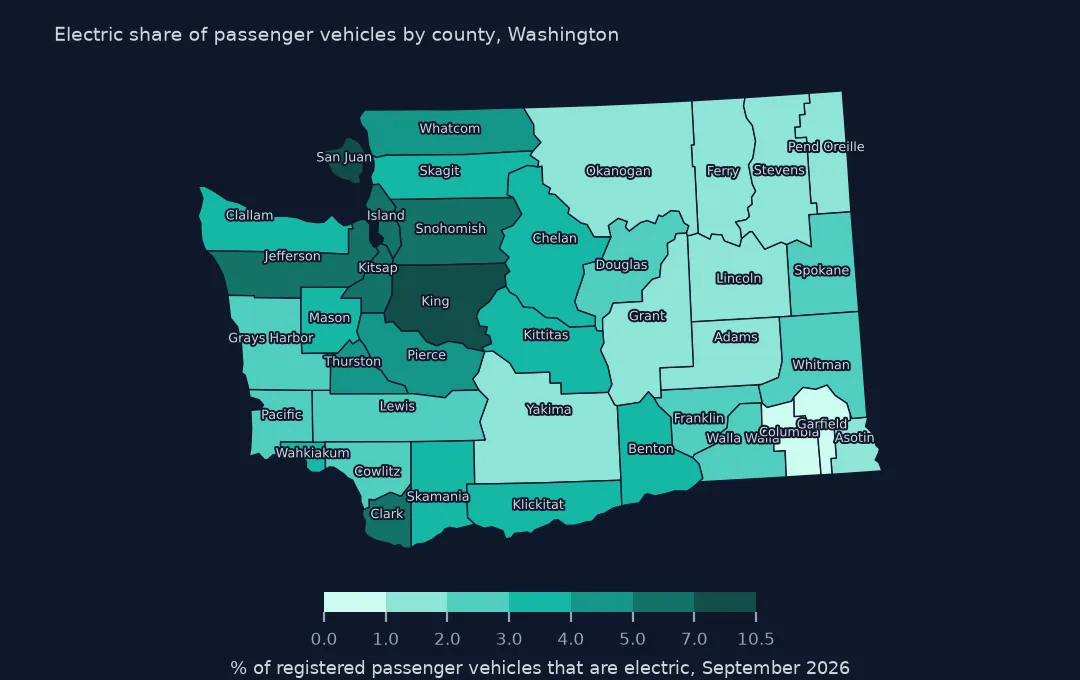 Washington's electric cars
Electric share of registered passenger vehicles by county
Washington's electric cars
Electric share of registered passenger vehicles by county
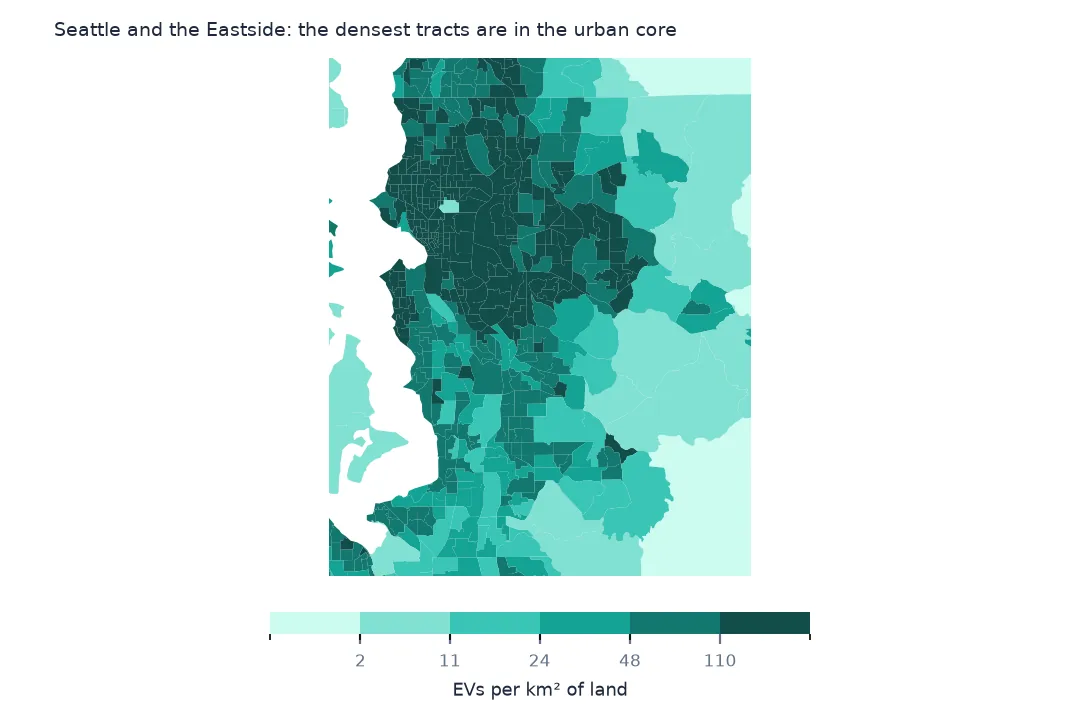
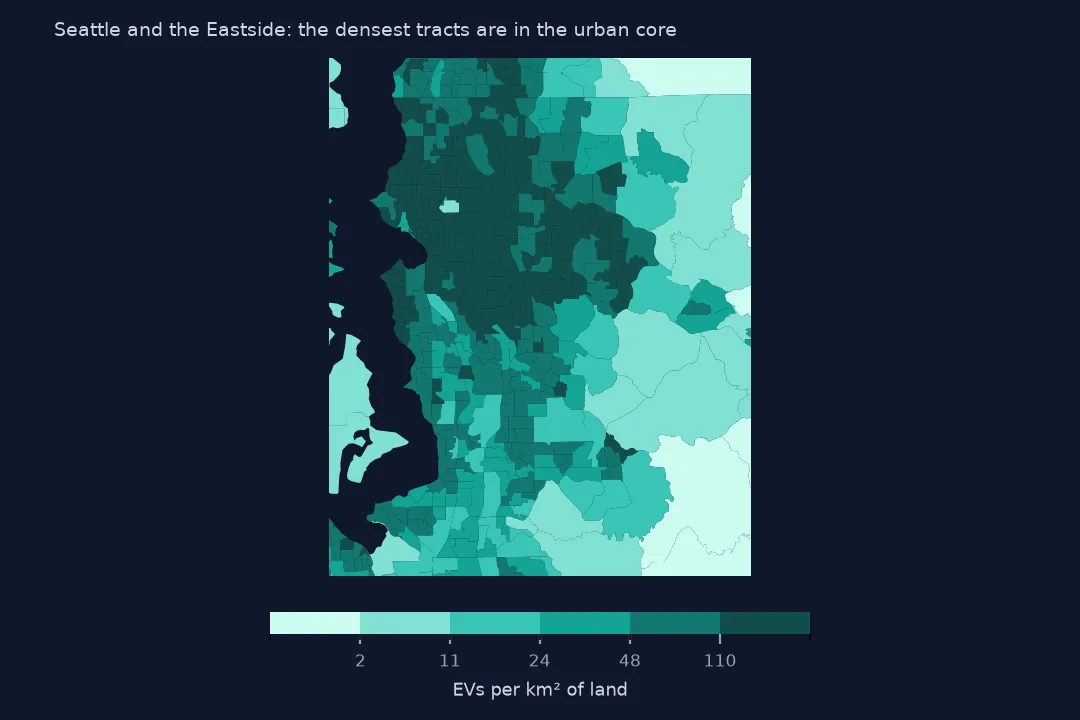 EVs around Seattle
Electric vehicles per km² of land in each census tract
EVs around Seattle
Electric vehicles per km² of land in each census tract
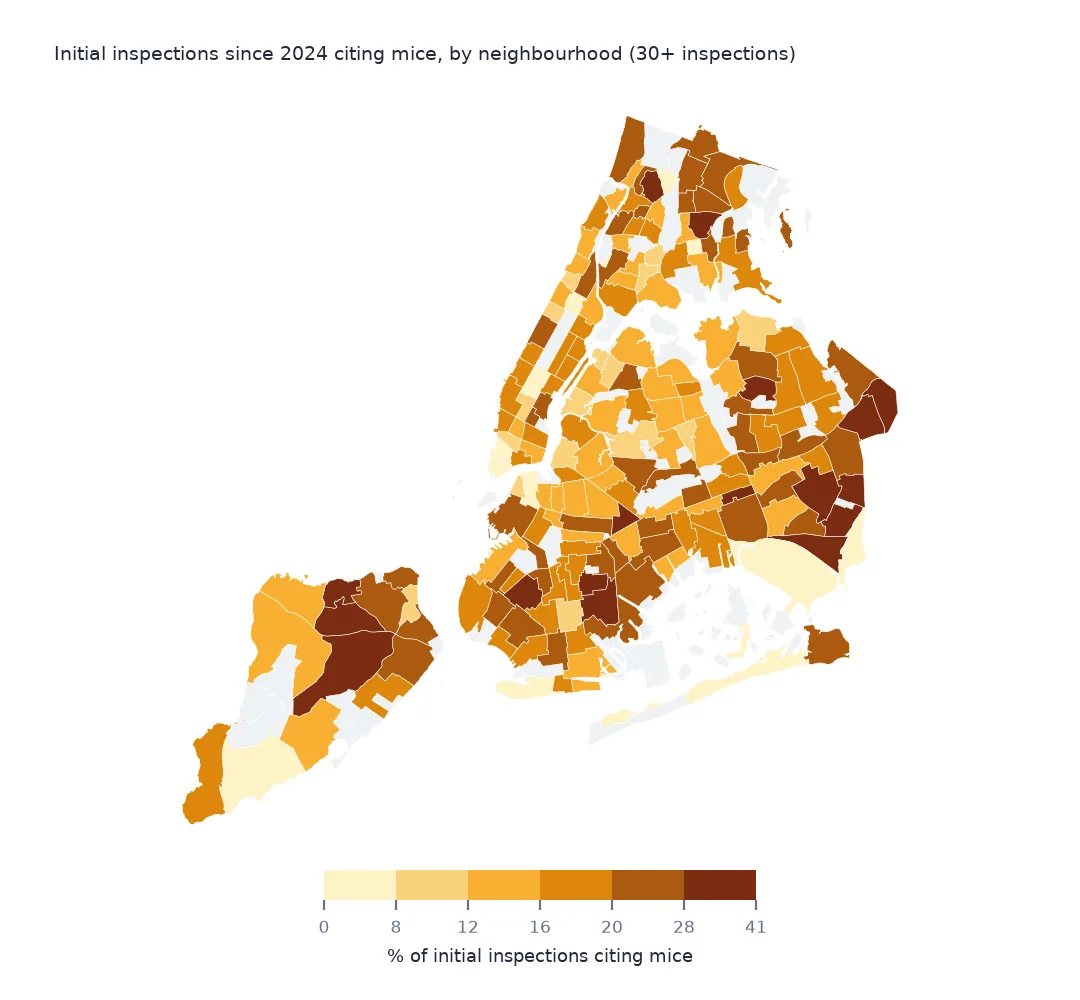
 Mice in New York kitchens
Share of restaurant inspections citing mice, by neighbourhood
Mice in New York kitchens
Share of restaurant inspections citing mice, by neighbourhood
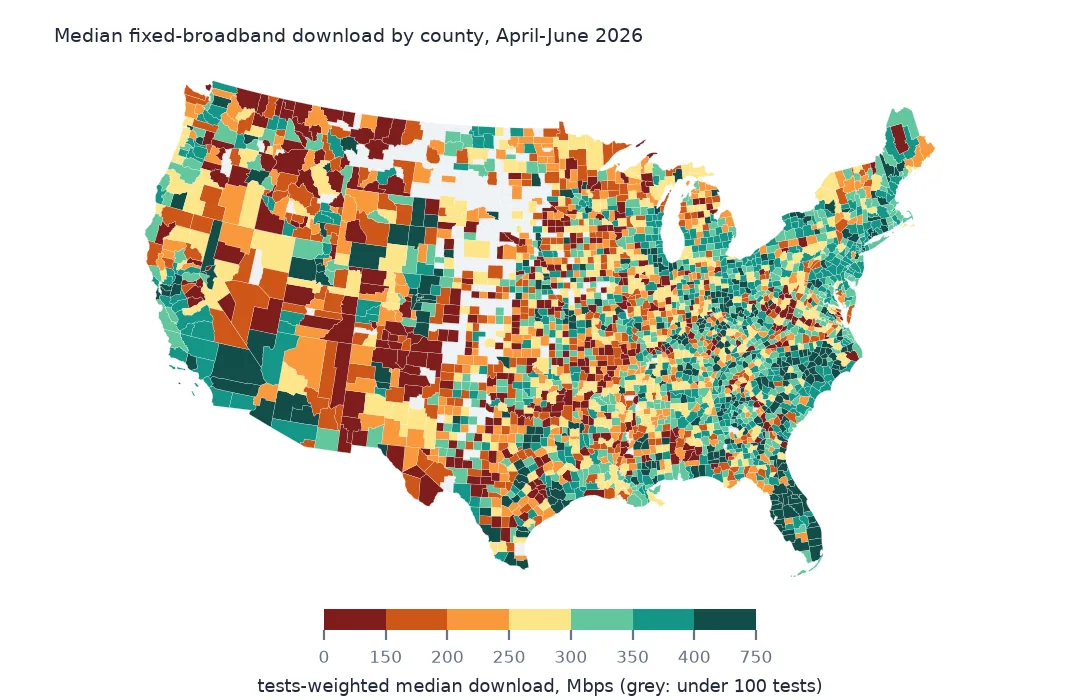
 Home internet speed by county
Median fixed-broadband download, April-June 2026
Home internet speed by county
Median fixed-broadband download, April-June 2026
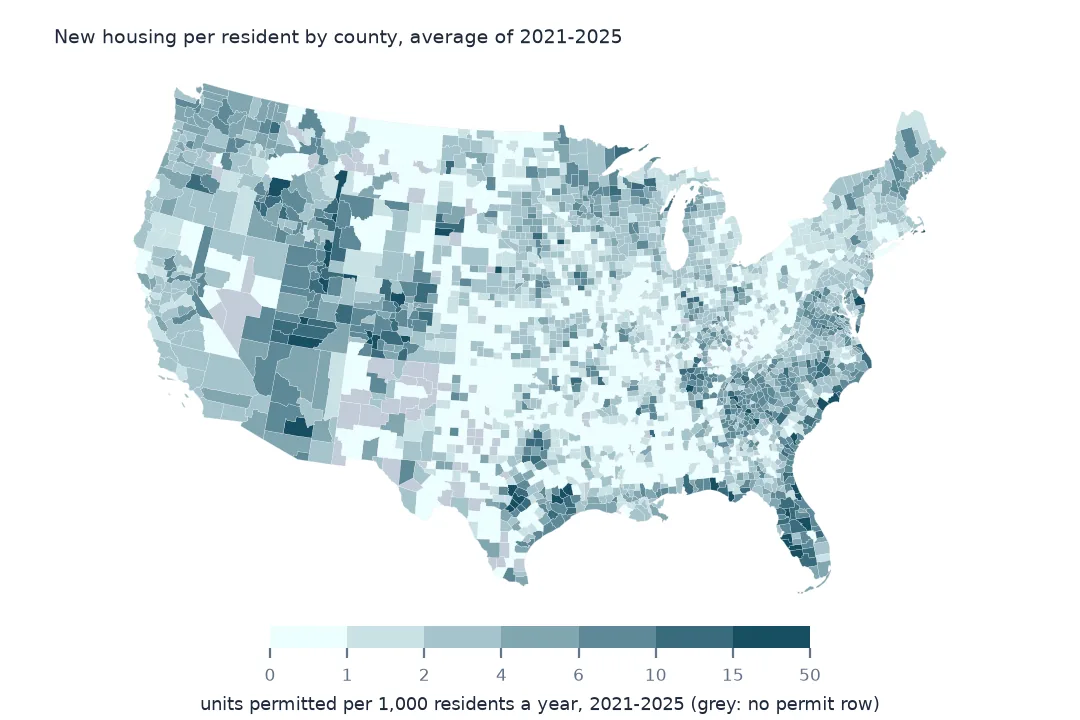
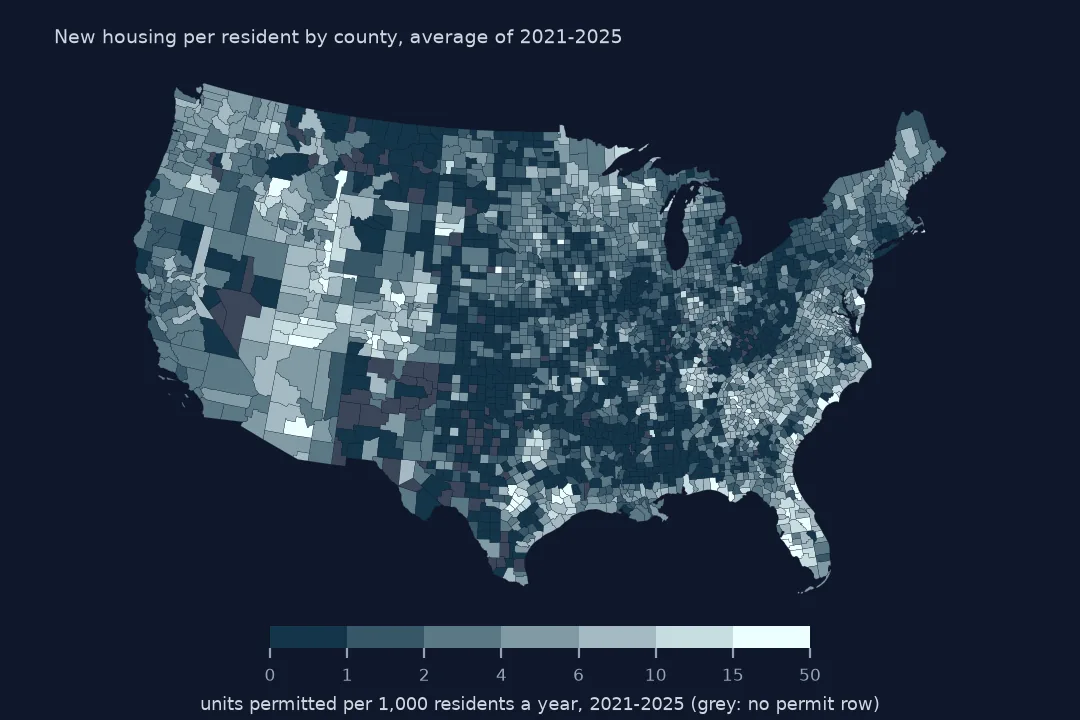 Where new homes are going up
Housing units permitted per 1,000 residents a year, 2021-2025
Where new homes are going up
Housing units permitted per 1,000 residents a year, 2021-2025
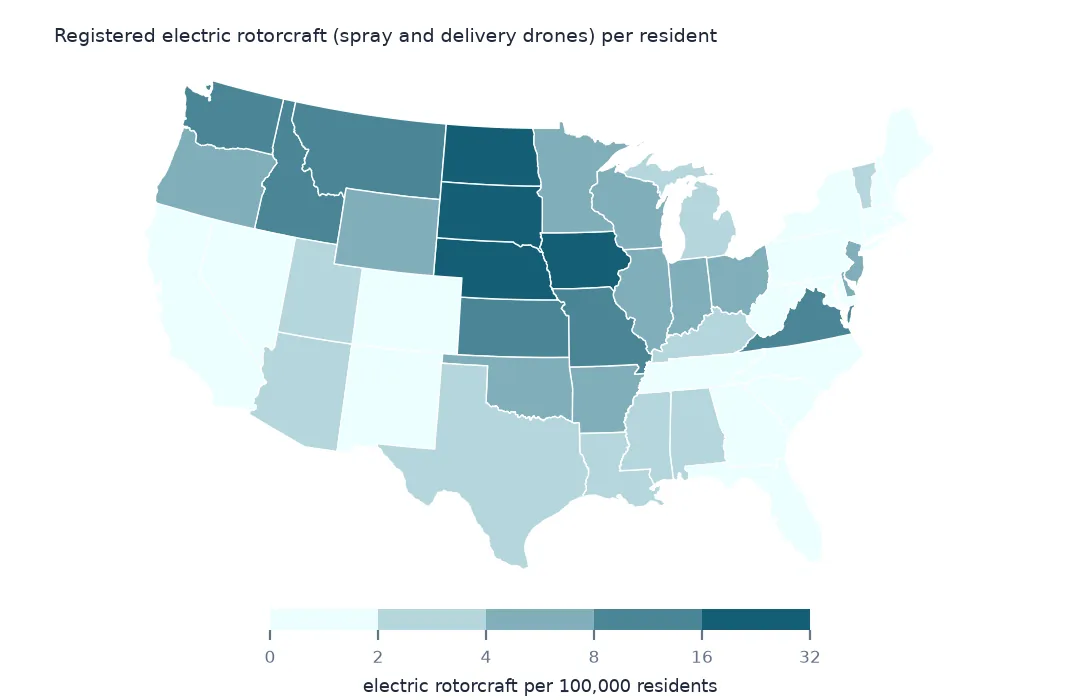
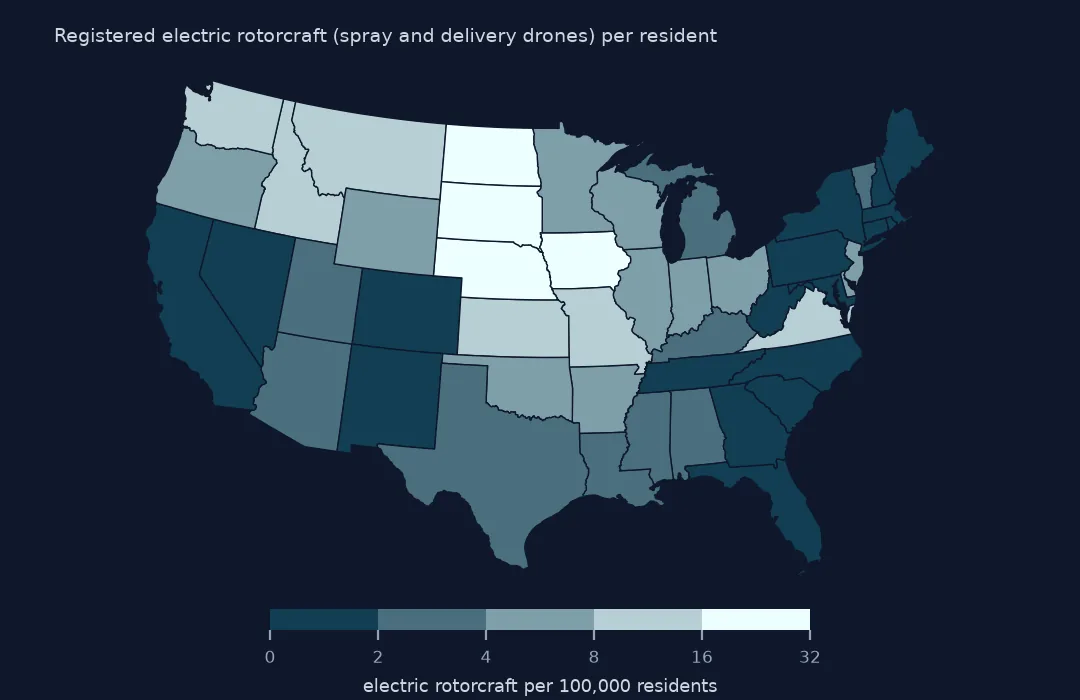 Where the farm drones are
Registered electric rotorcraft per 100,000 residents by state
Where the farm drones are
Registered electric rotorcraft per 100,000 residents by state
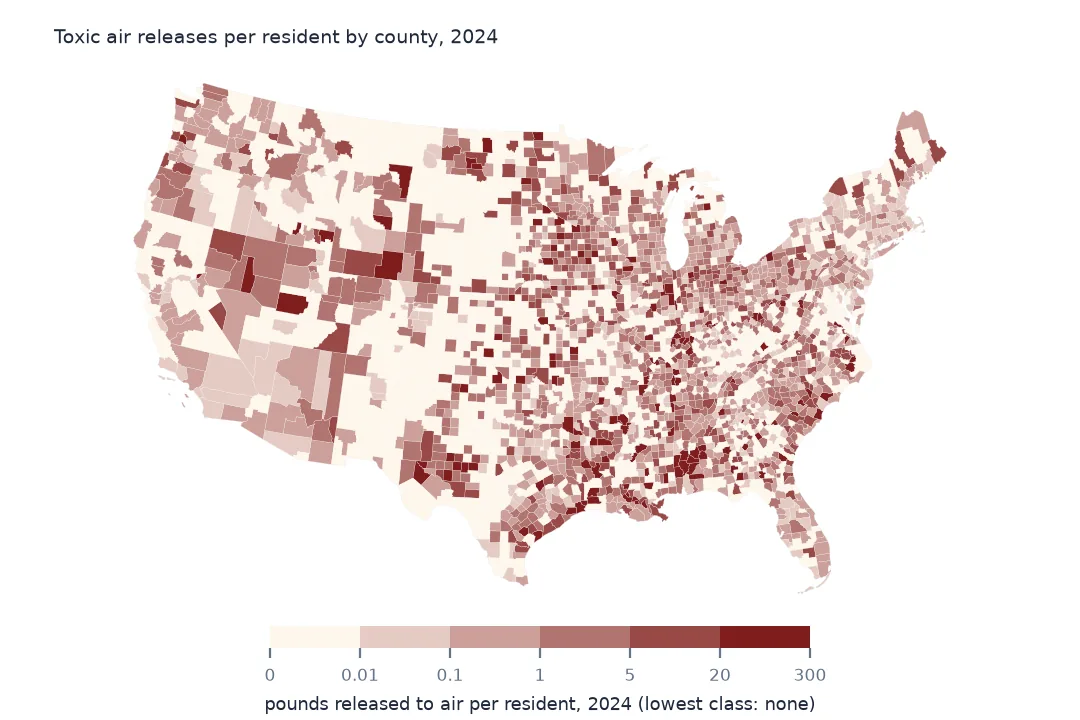
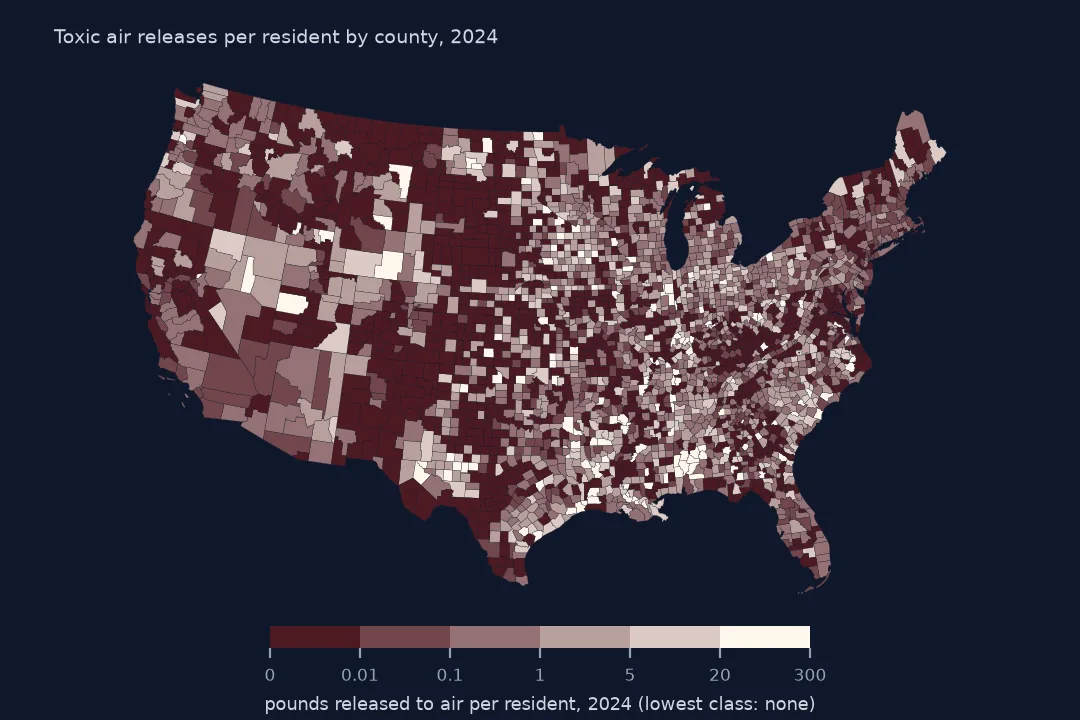 Toxic air releases per resident
Pounds of listed chemicals released to air per person by county, 2024
Toxic air releases per resident
Pounds of listed chemicals released to air per person by county, 2024
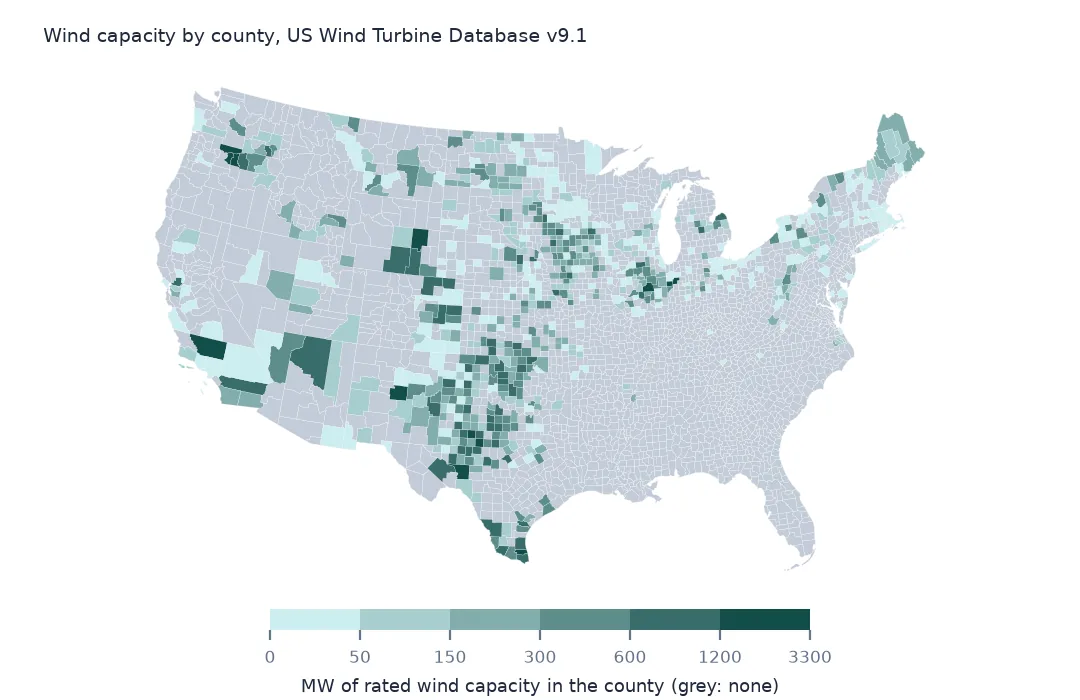
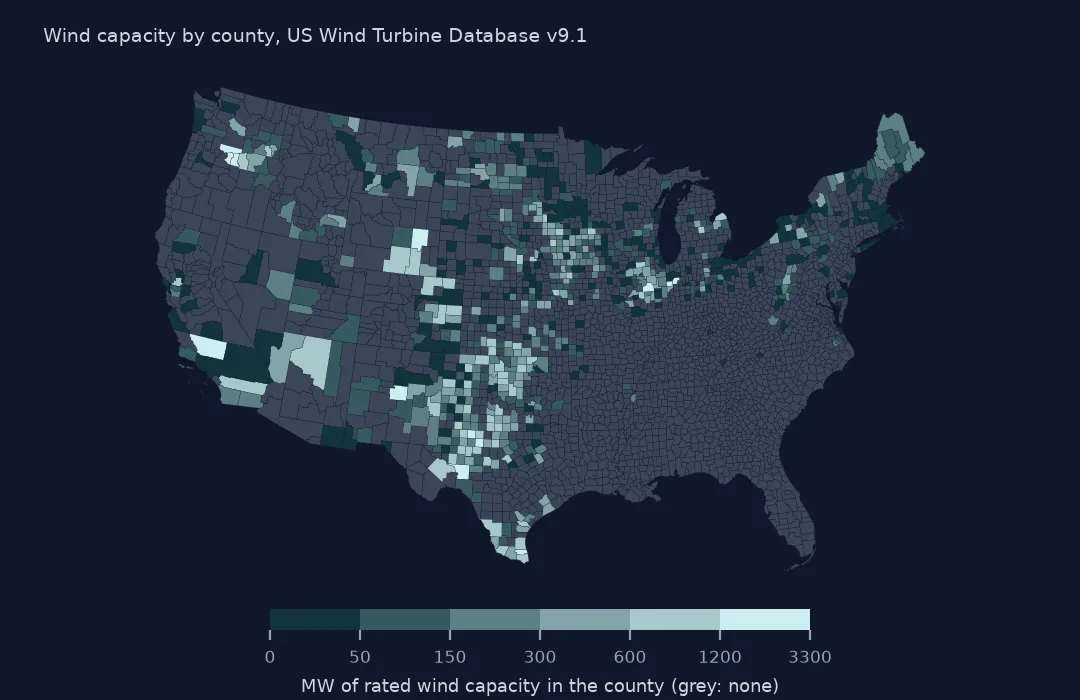 Where the wind turbines are
Rated wind turbine capacity by county, September 2026
Where the wind turbines are
Rated wind turbine capacity by county, September 2026
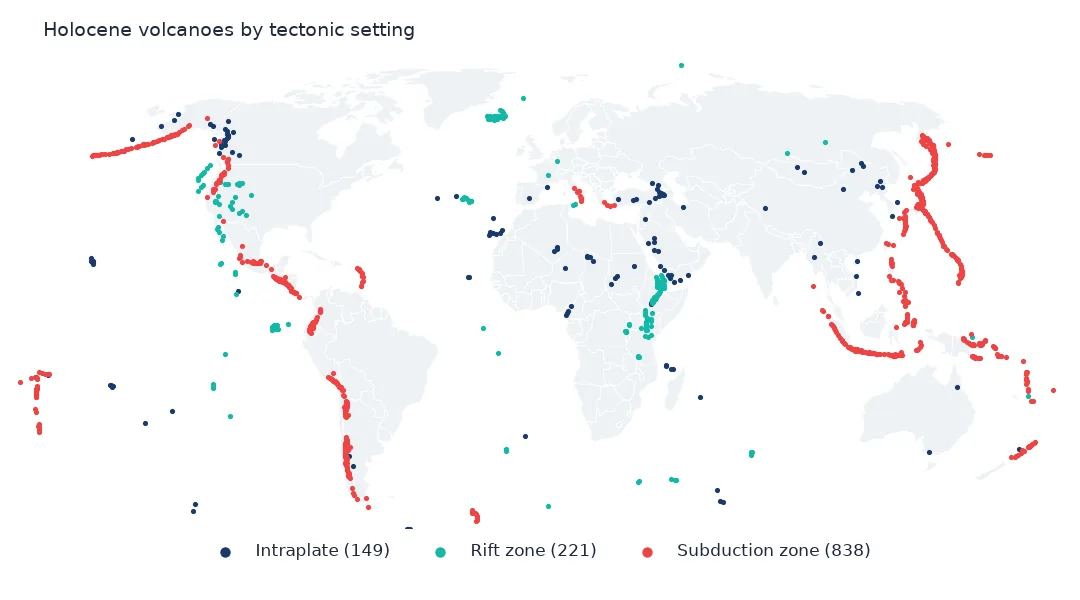
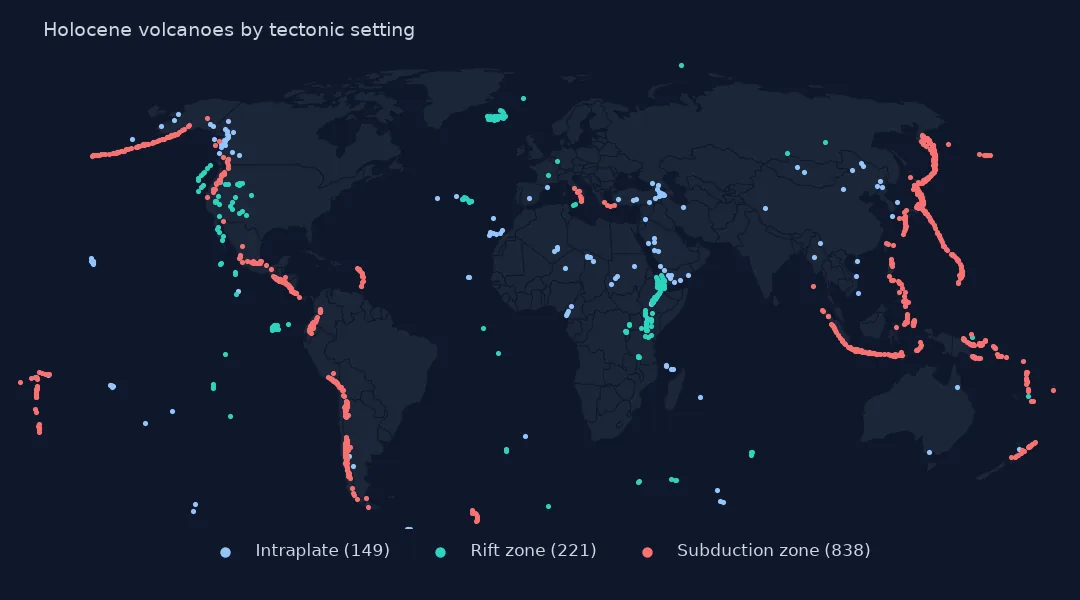 Where the volcanoes are
Holocene volcanoes by tectonic setting
Where the volcanoes are
Holocene volcanoes by tectonic setting
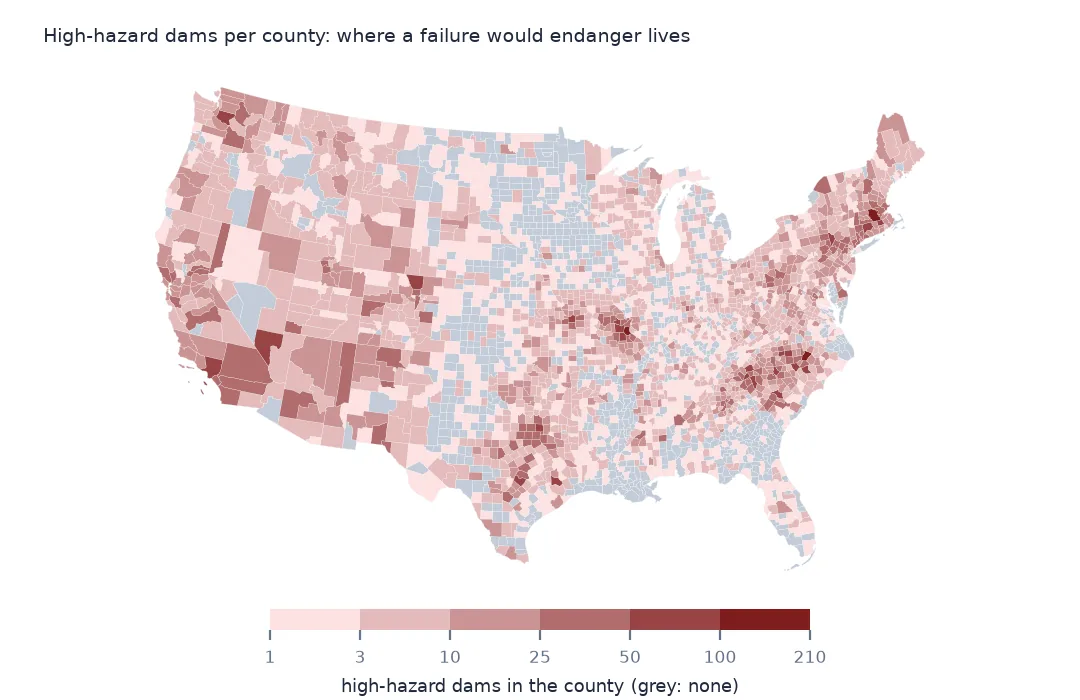
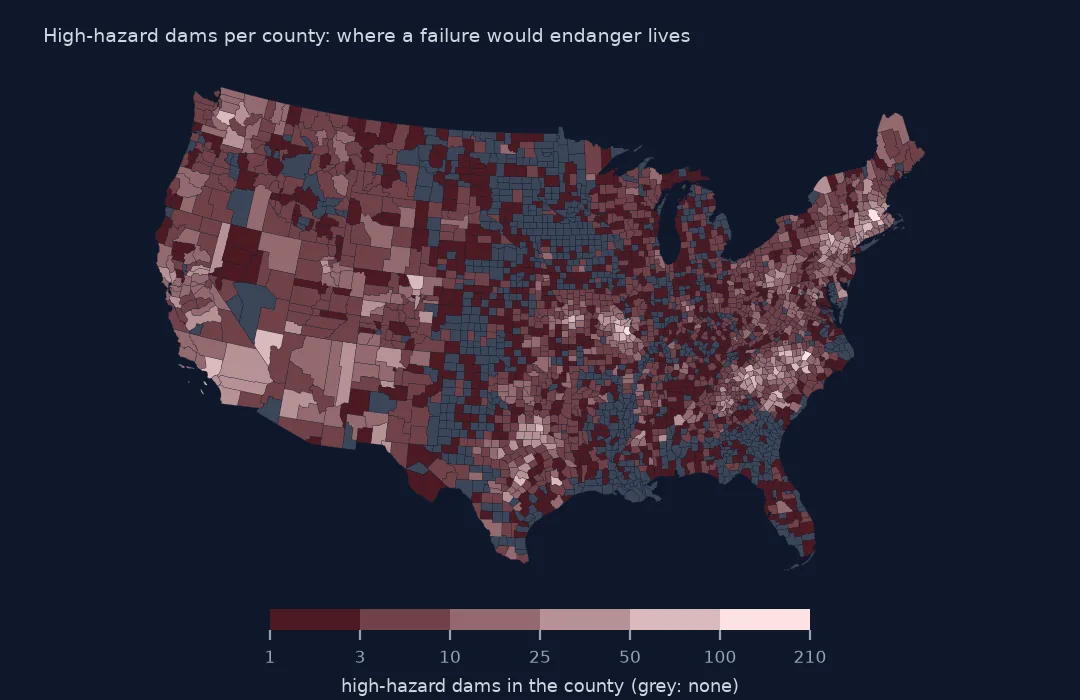 Where the high-hazard dams are
Dams whose failure would probably cost lives, per county
Where the high-hazard dams are
Dams whose failure would probably cost lives, per county
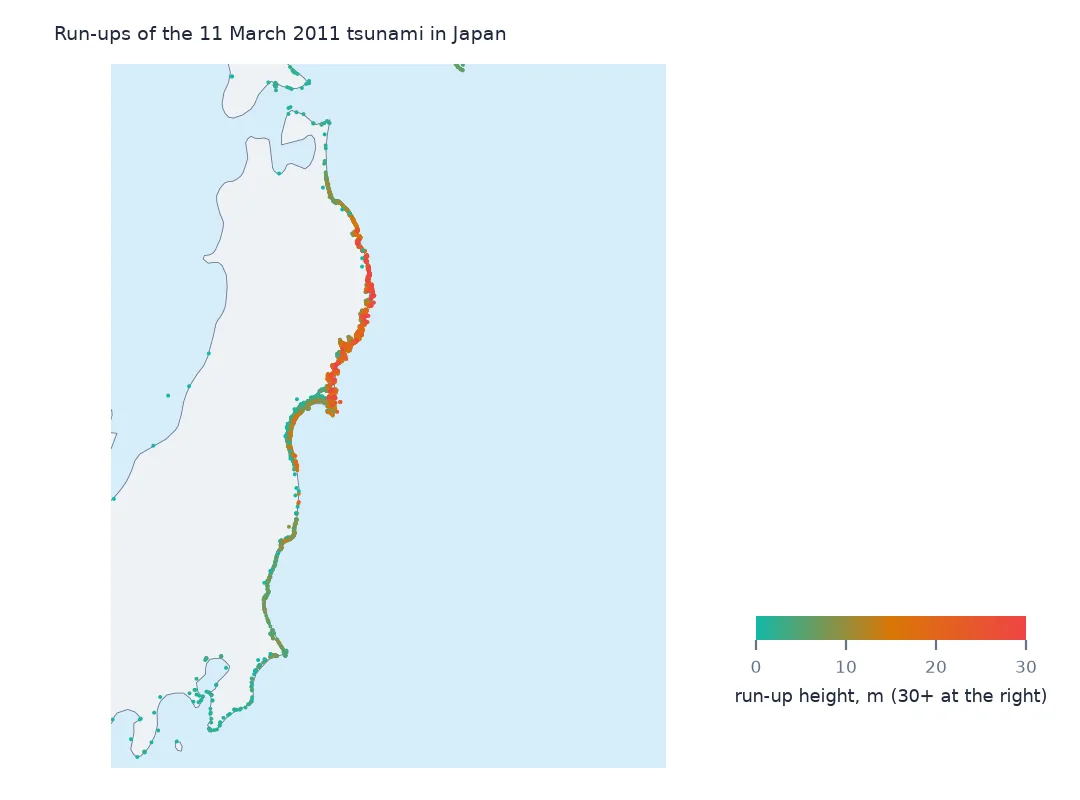
 How high the 2011 tsunami reached
Run-up heights along the coast of Japan, 11 March 2011
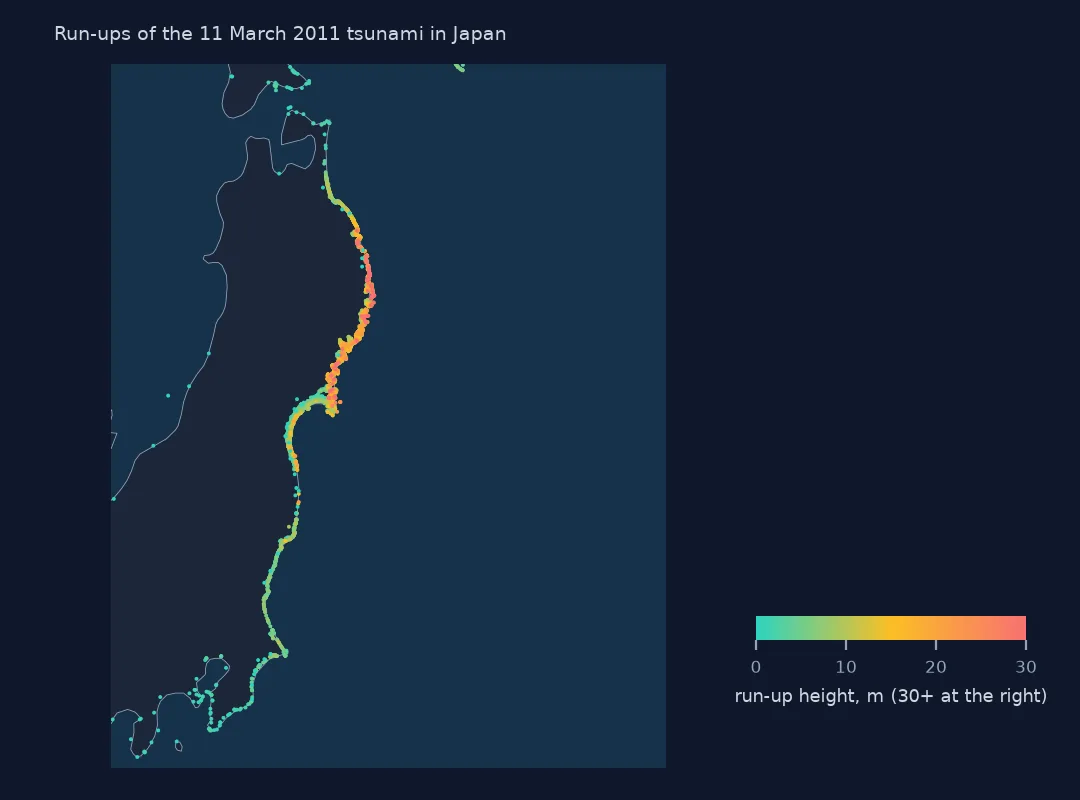
How high the 2011 tsunami reached
Run-up heights along the coast of Japan, 11 March 2011
What the guides cover
From the basics of reading a file to the work that runs unattended.
- Fundamentals What the objects, files and libraries actually are.
- Geometry & space The shapes themselves, where they sit on the earth, and how they relate.
- Imagery & point clouds Data that arrives as measurements of a surface rather than as features on it.
- Analysis Getting from a raw download to something you can put in front of someone.
- Modelling & prediction Predicting values where nobody measured them, and deciding where things should go — with the limits of each model attached.
- Production Work that runs without you watching it.
- Delivery & sharing Handing the work to someone else: an API, an app, a link that keeps working.
- Governance & trust What a dataset is allowed to say, who it is allowed to say it about, and how anyone proves where it came from.
- Tools The other software in a Python GIS stack, driven from Python.
How the guides are made
Code that was never run teaches the wrong thing quietly. So none of it goes on the page without a run behind it.
Read the method- Run on open data. Each guide's code runs from a clean folder against real, public datasets — not toy examples.
- Checked against the output. Every number in the prose is traced to something a run printed.
- Re-run over time. Guides are re-run as libraries and sources change, and the date of the last check is on the page.
New to Python GIS?
Start with the basics: install, read a file, make a first map.